
Buying Guides
Choosing Waterproof Phone Cases: IP Ratings, Seal Condition and Fit
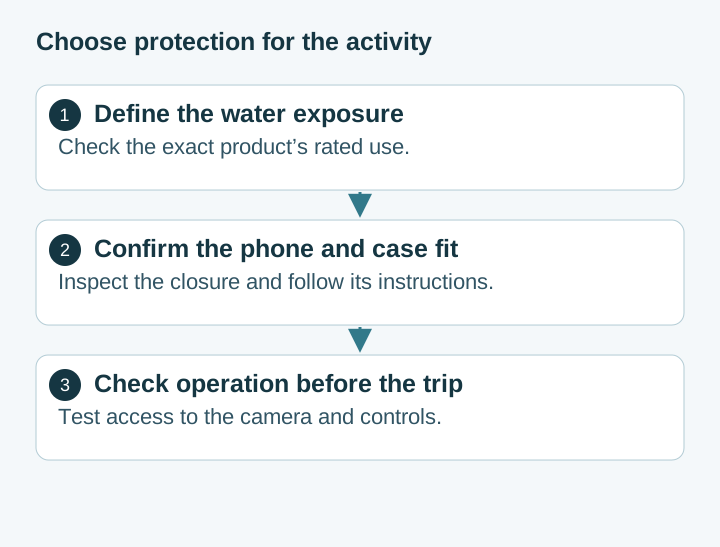
Compare rigid waterproof phone cases and pouches by model fit, manufacturer-rated use, closure condition and controls. Understand the limits of phone barometer checks.
Author
Android Devices Editor
Explains Android phones, software experience and regional differences through the choices that shape everyday use.
Latest work
Compare rigid waterproof phone cases and pouches by model fit, manufacturer-rated use, closure condition and controls. Understand the limits of phone barometer checks.
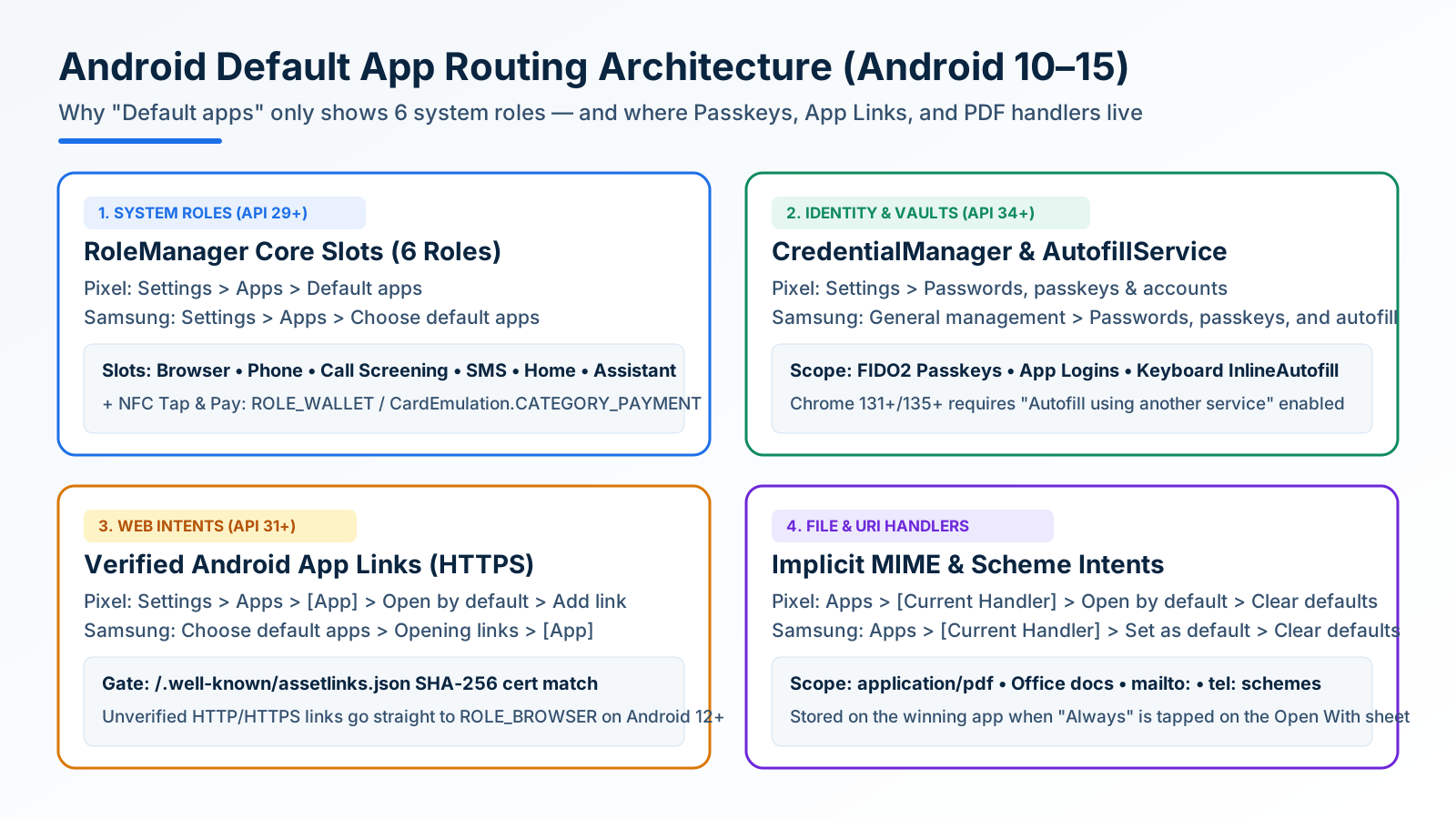
Looking only in Default apps fails when a wrong PDF viewer or browser hijacks links. Use Android's 4 routing menus to set browsers, passkeys, App Links, and MIME handlers.
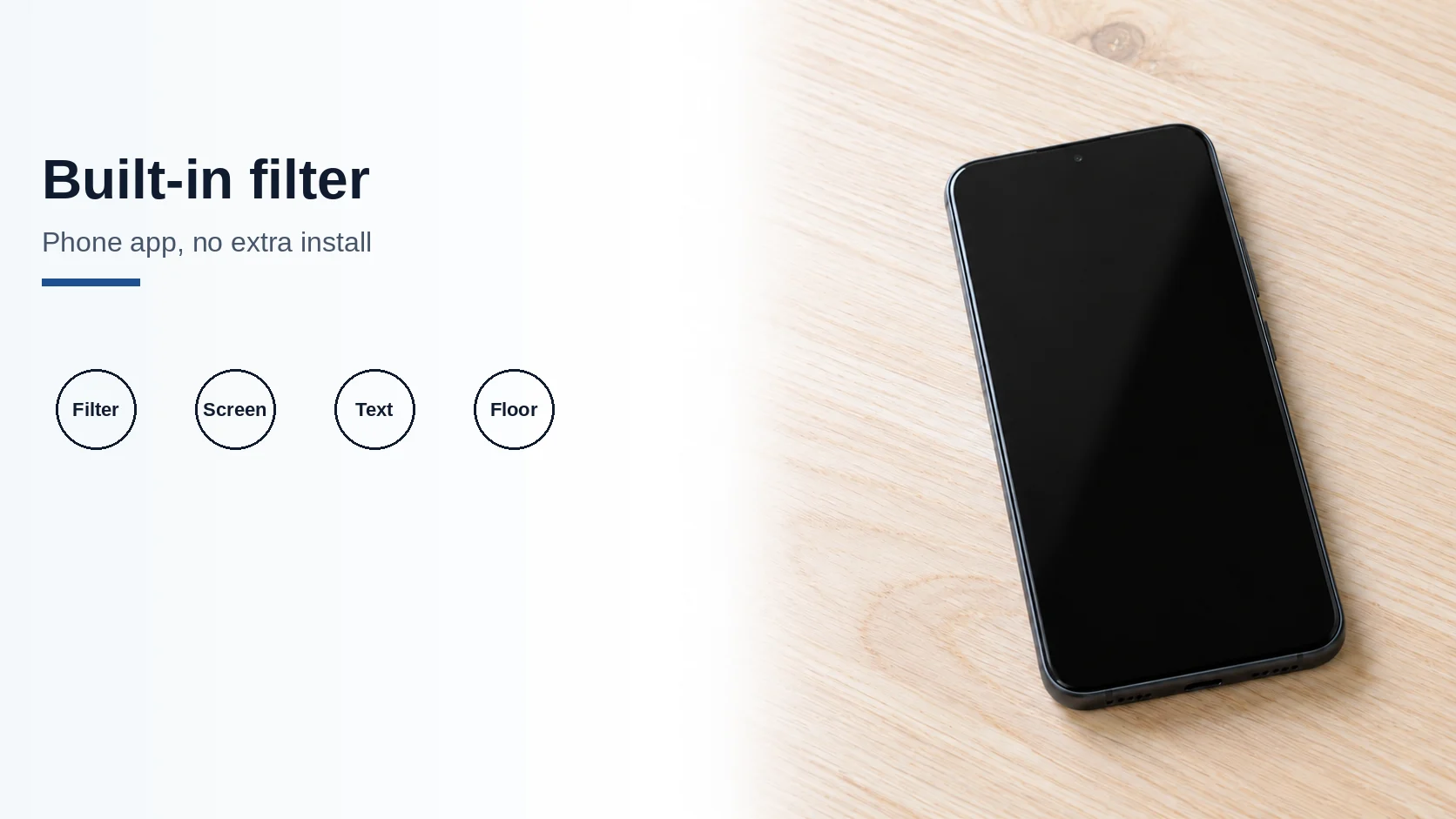
Use Filter spam calls, Pixel Call Screen, or Galaxy Text call. Google does not take numbers from your Contact list.
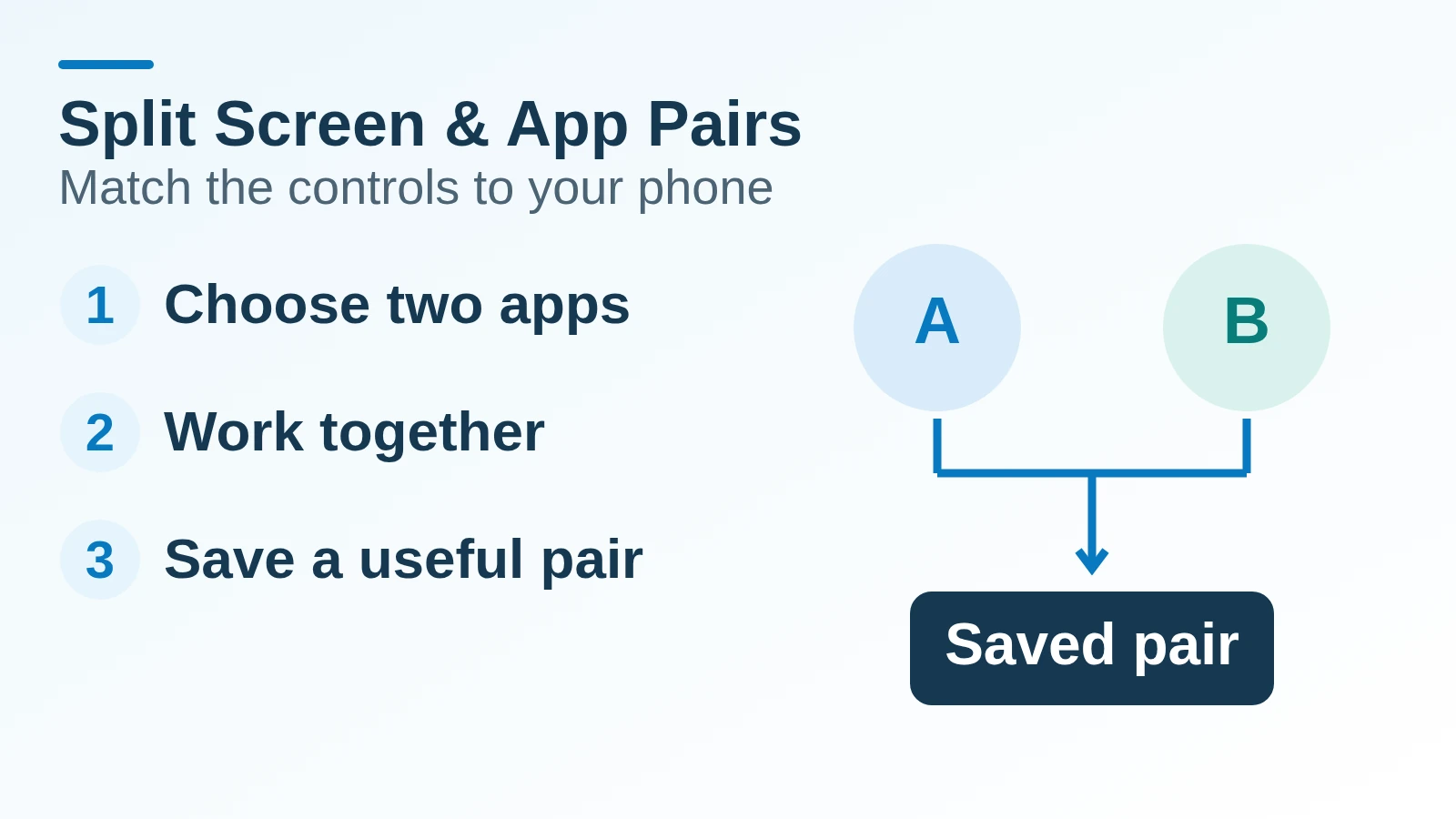
Use two Android apps together, save supported app pairs, and check Pixel and Galaxy controls before relying on a multitasking shortcut.
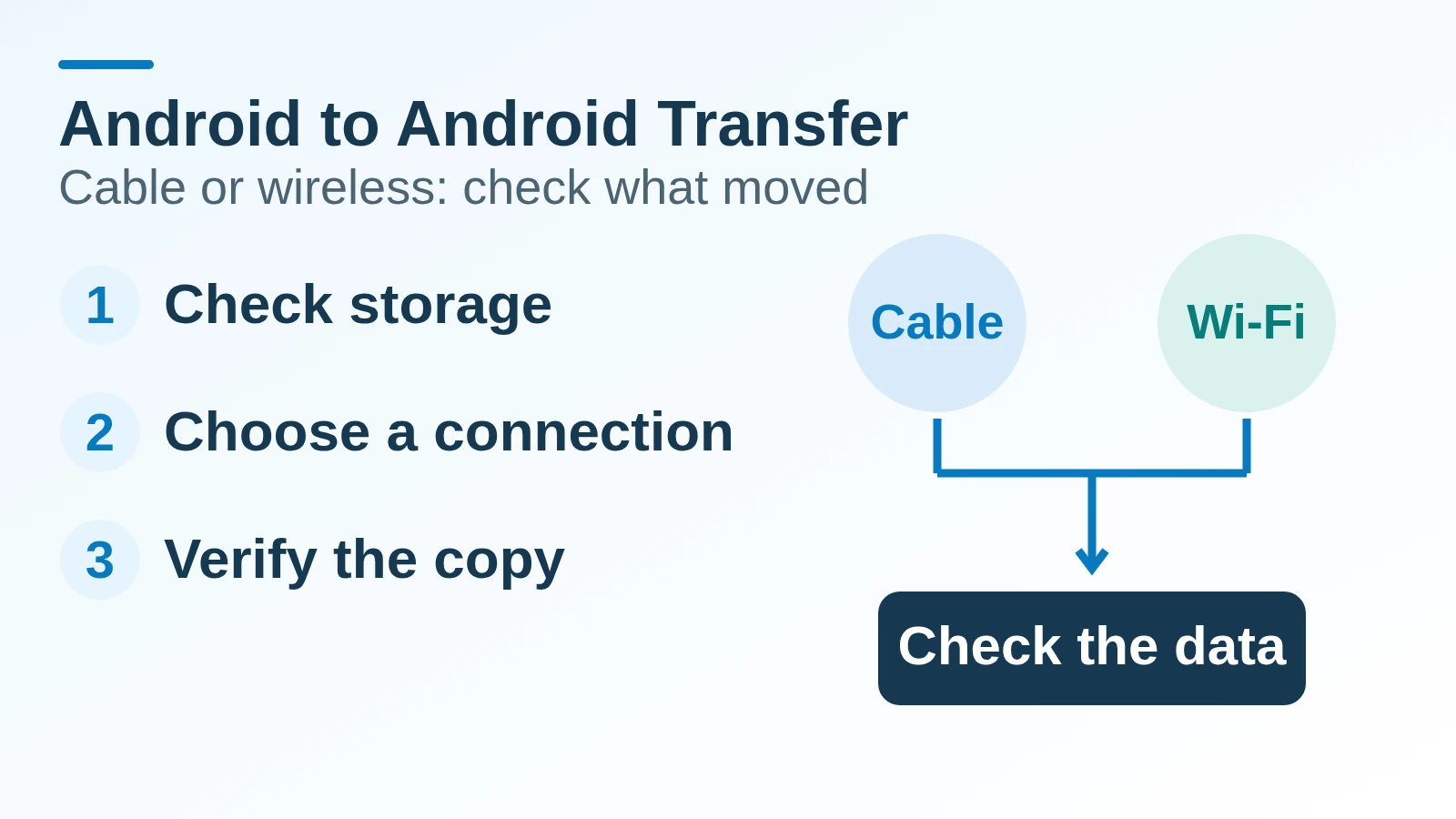
Choose cable or wireless Android transfer by compatibility and storage, follow the right setup path, and verify what copied before erasing the old phone.
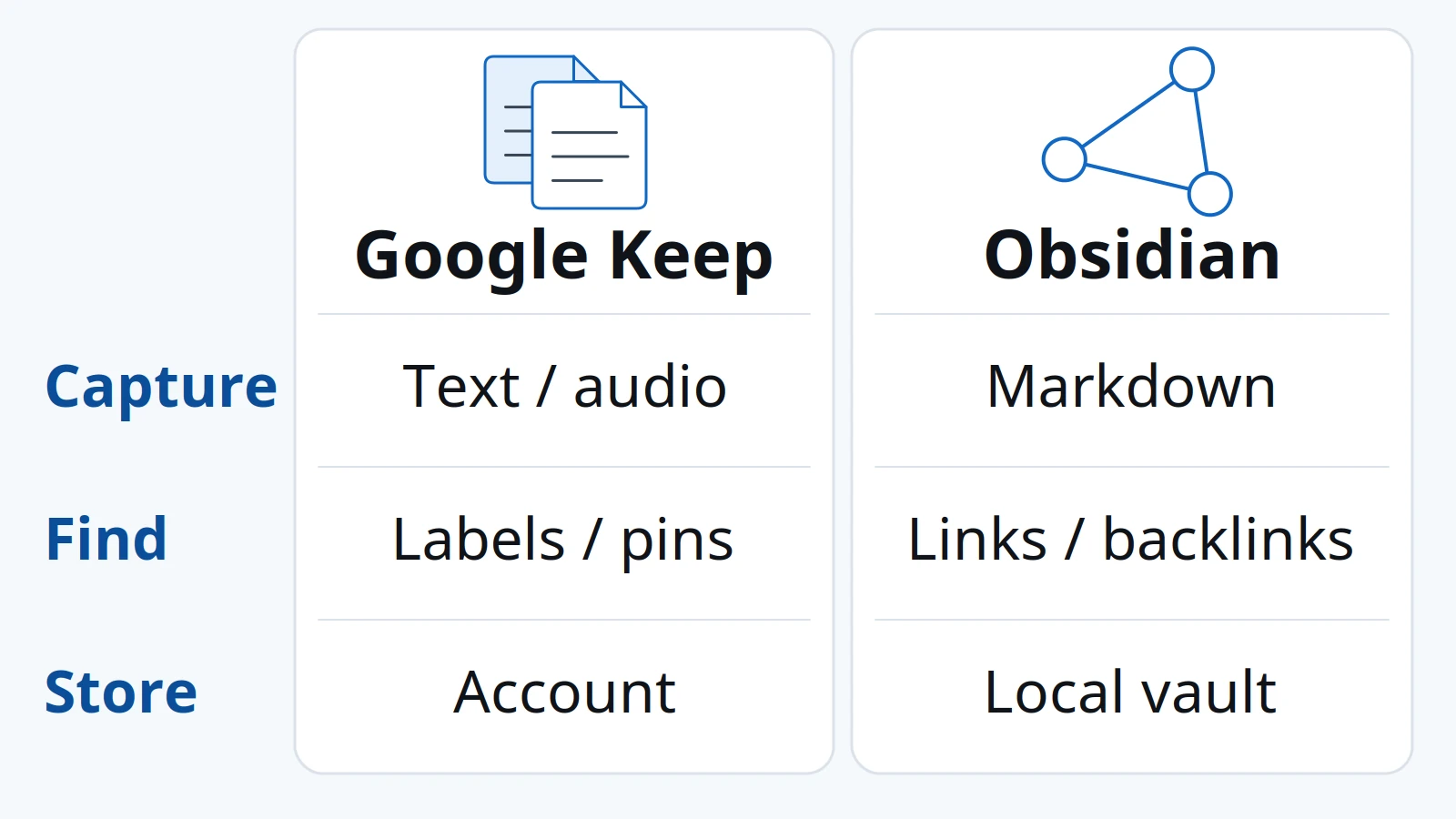
Google Keep fits short Android captures and shared lists. Obsidian fits a local Markdown vault you link and copy. Check sync, label limits, and the Keep importer before you switch.
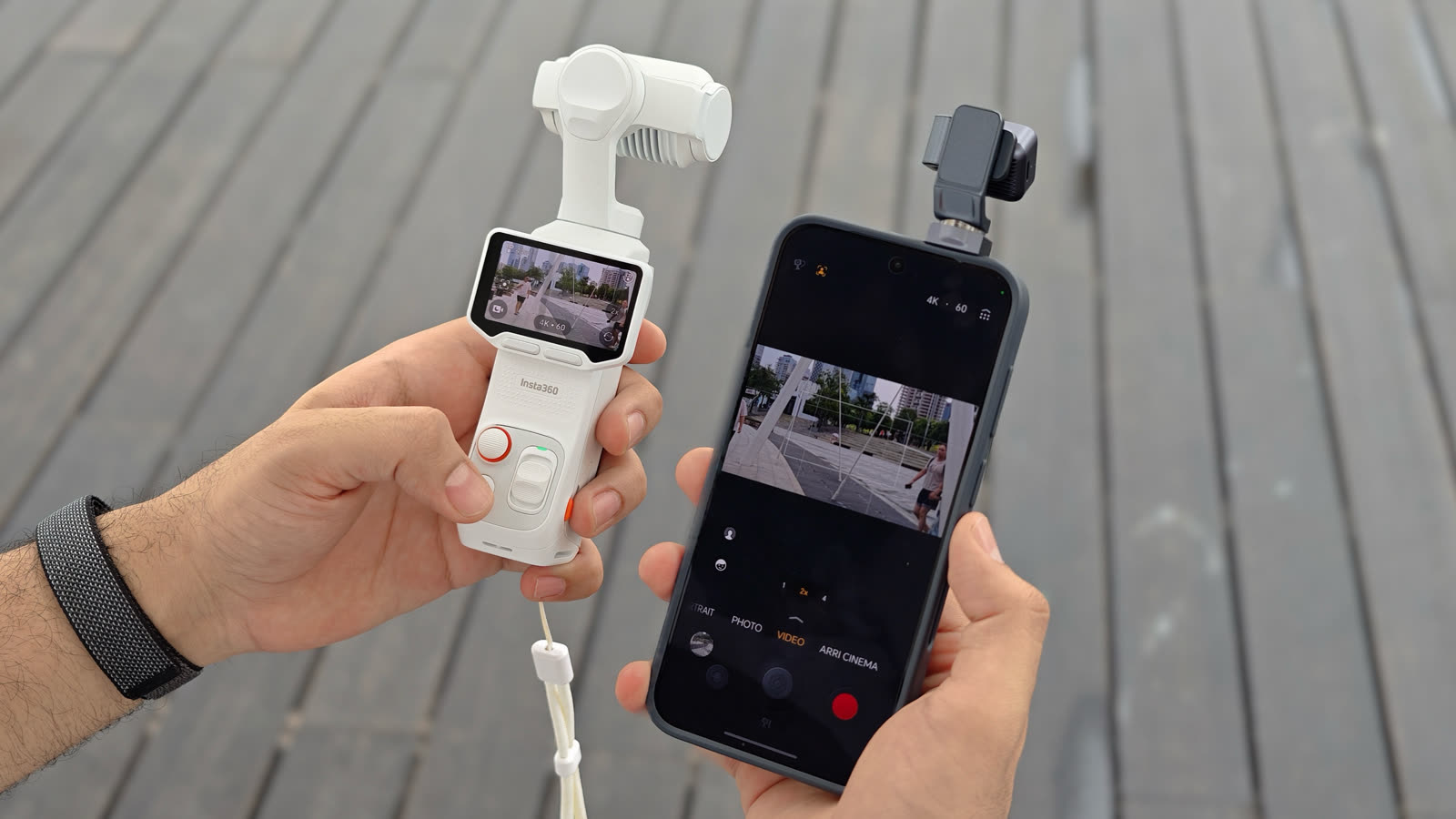
HONOR's March 2026 note is a preview. Compare the Robot Phone with Insta360 Luna Ultra using the August China sales clock and Luna's hardware manual.
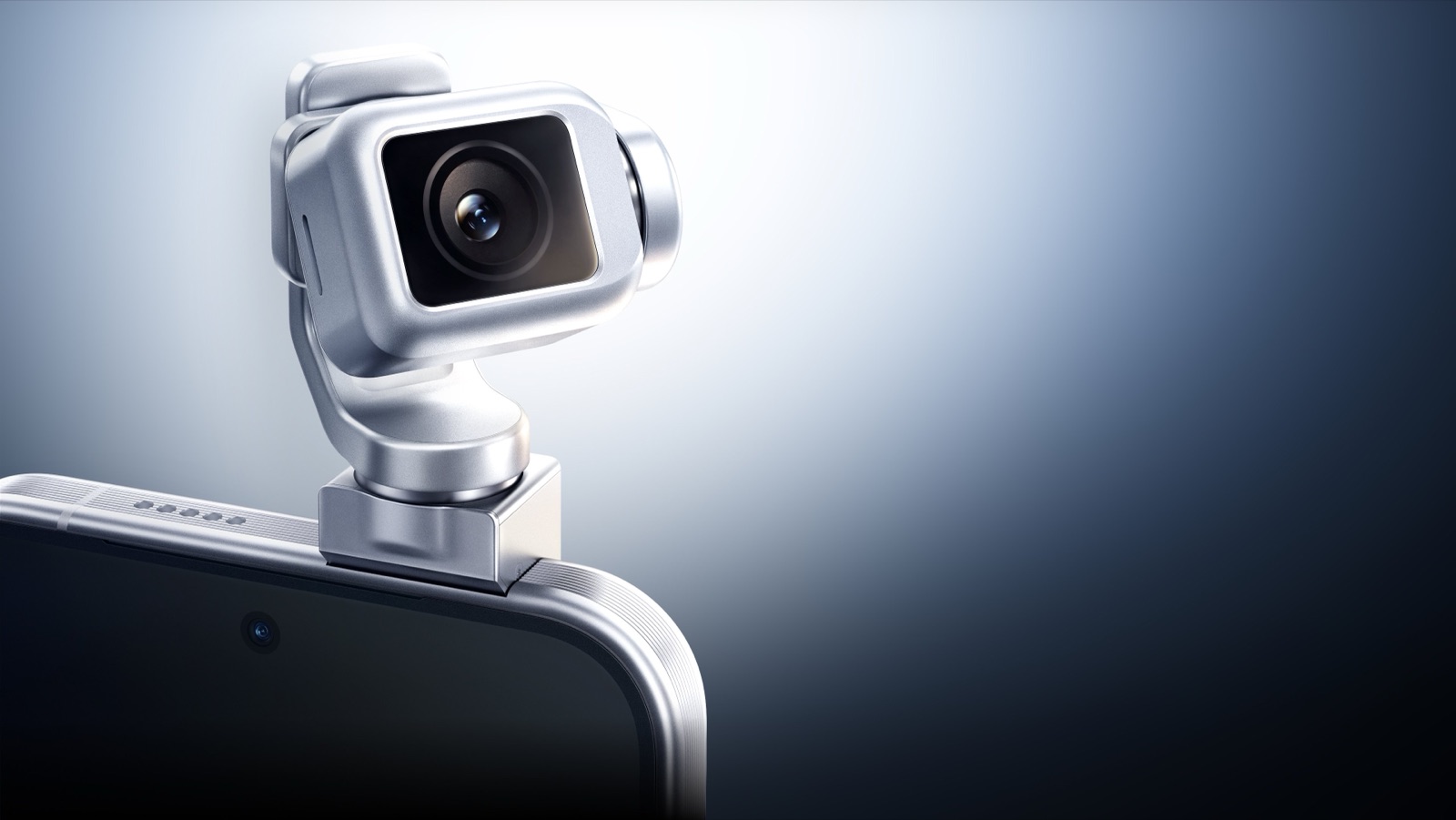
Separate HONOR's March 2026 preview from the August 12 China sales statement, then check the gimbal claims and the shop SKU that is not sold alone.
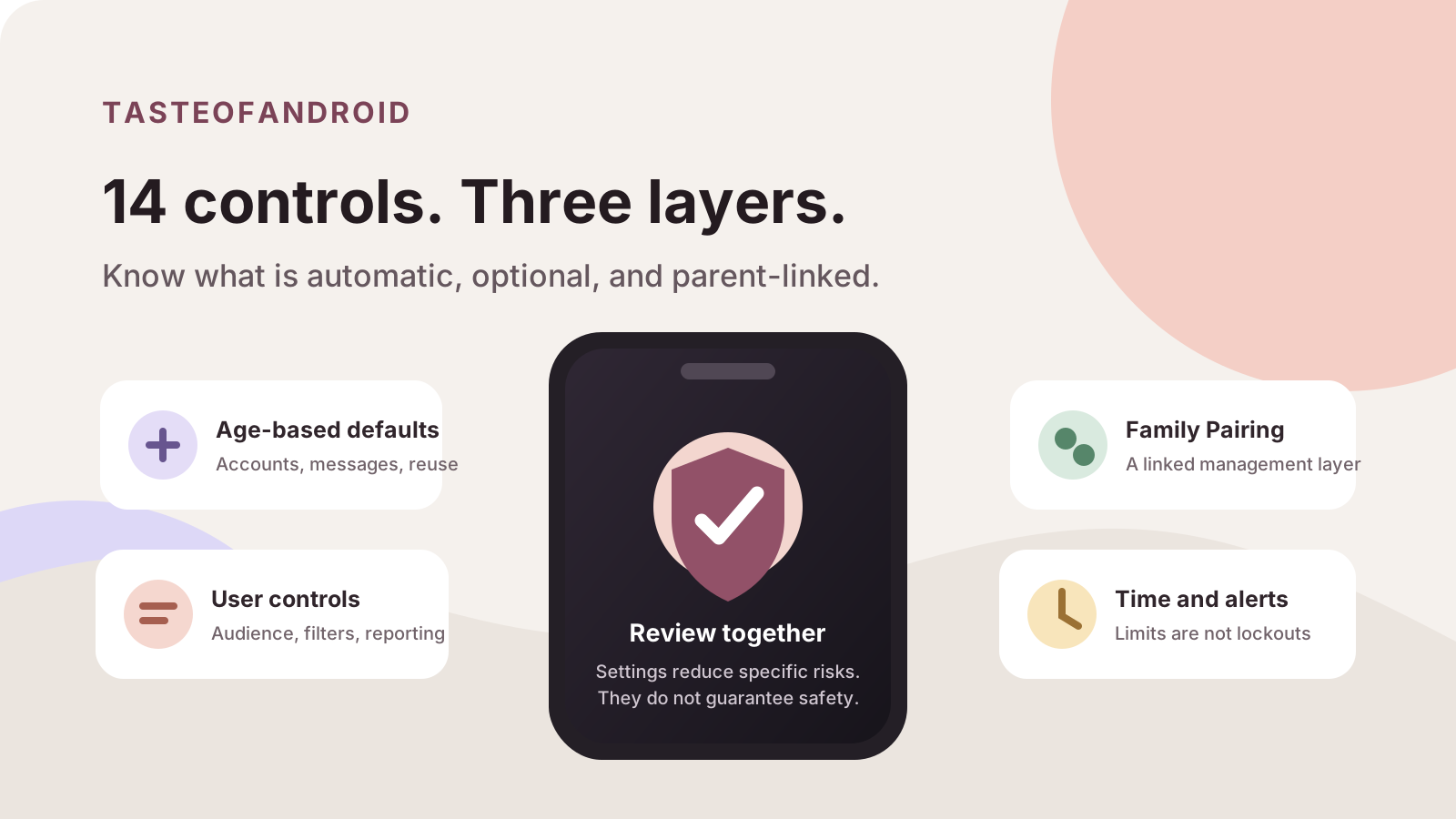
Review the TikTok safety and privacy controls the current Safety Center page prints, including private accounts, messages, downloads, and Family Pairing.
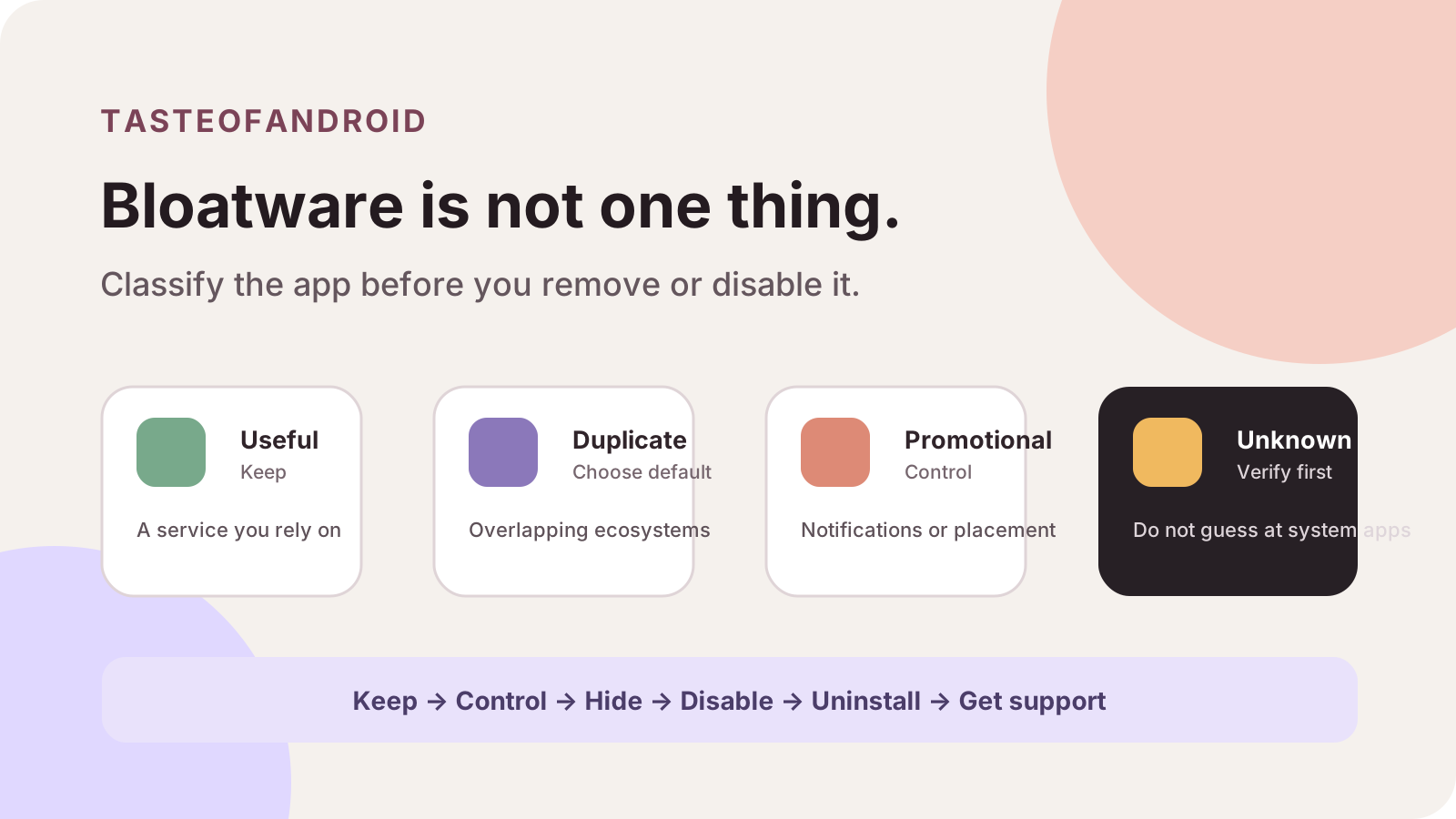
Disabling the wrong preload costs a working feature until you enable it again. Sort duplicate apps and system ads, then use only the control the phone shows.
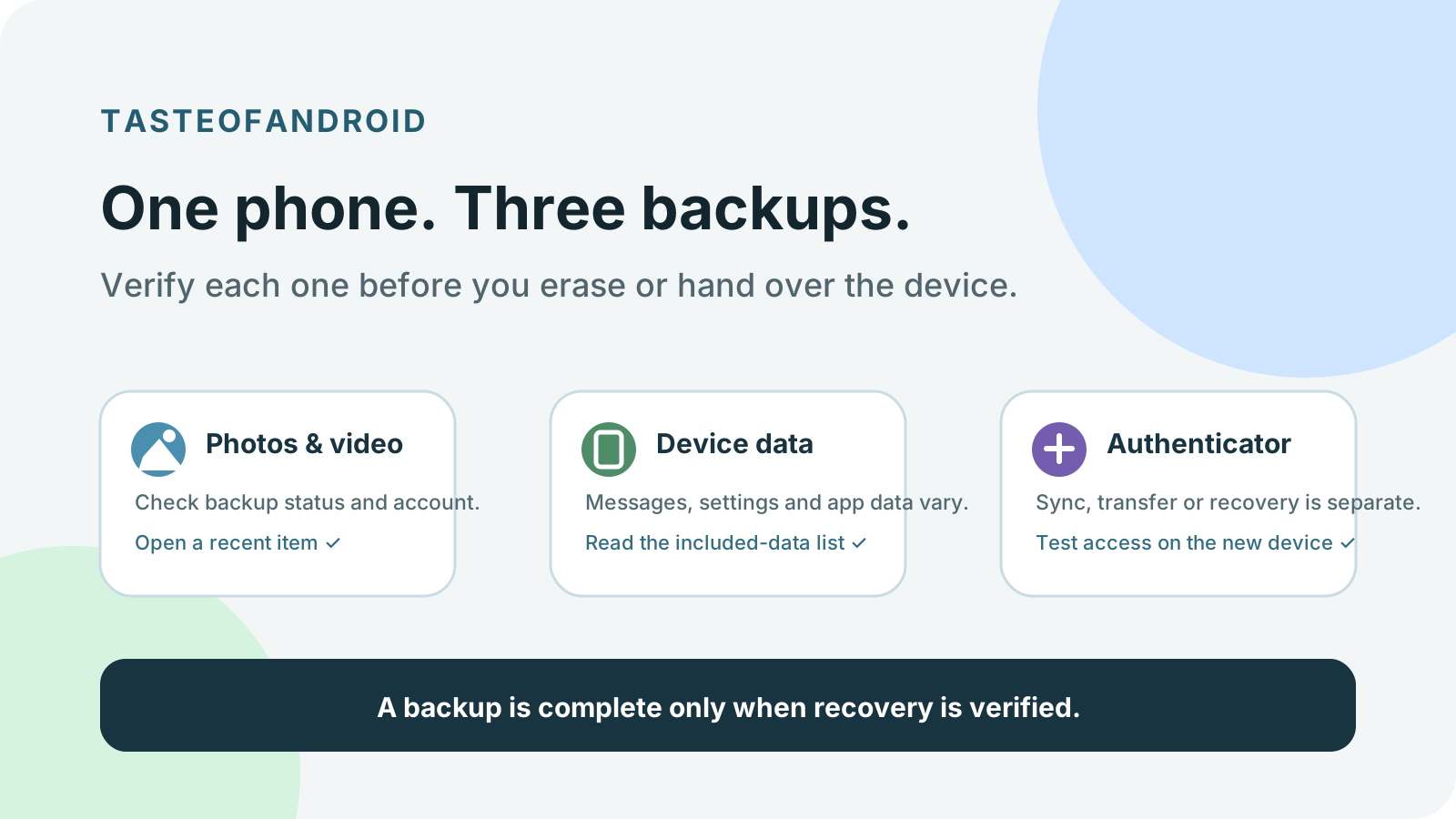
Back up Android photos, messages, and authenticator codes as three separate checks, then confirm each one before you reset, repair, sell, or trade in the phone.
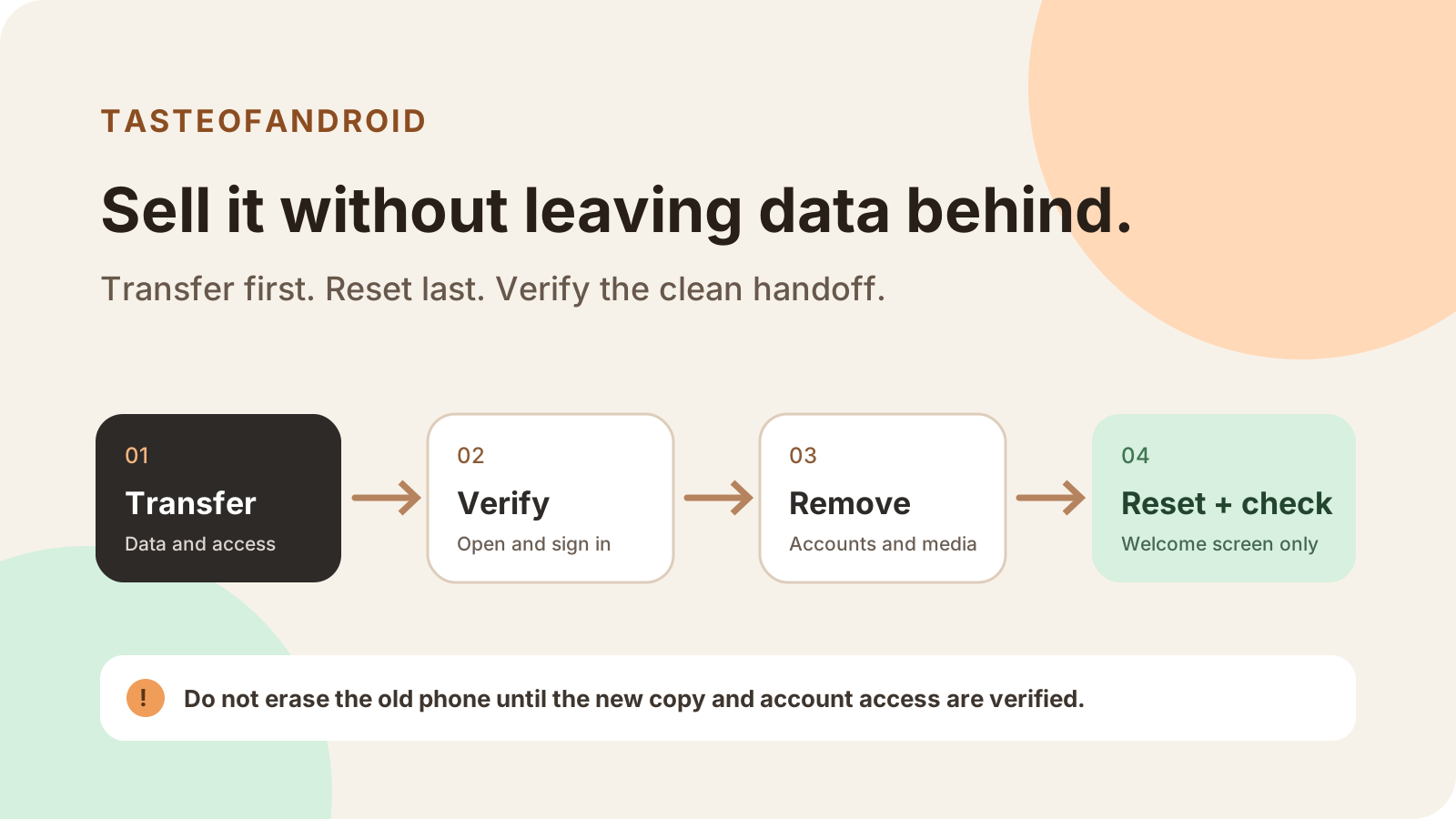
Before selling an Android phone, verify data and sign-in access, move device-bound services, remove accounts and removable items, then reset safely.
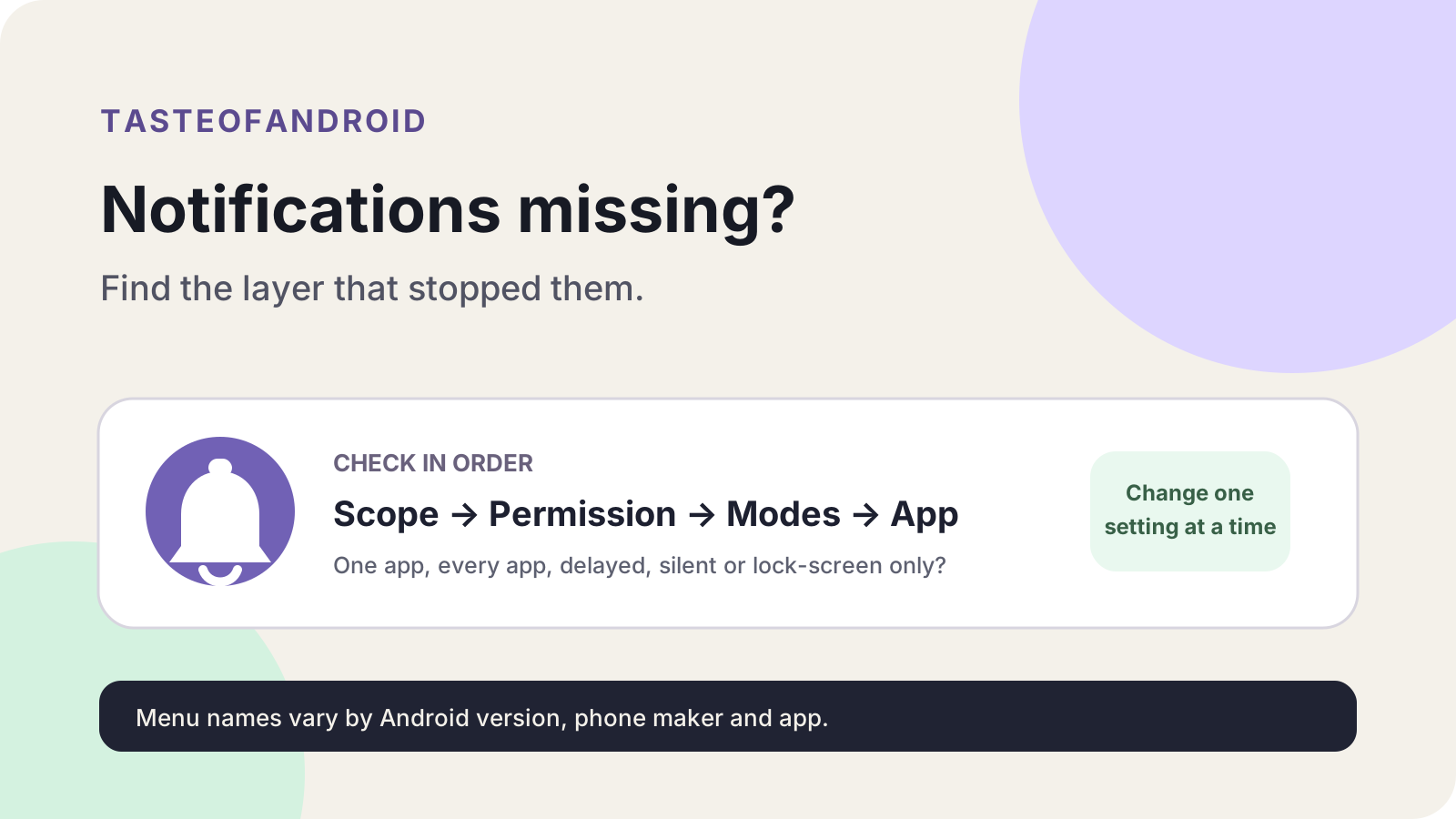
Android notifications that are not working need one matched control. Use the symptom, then the taps Android Help, Pixel, or Samsung actually print.
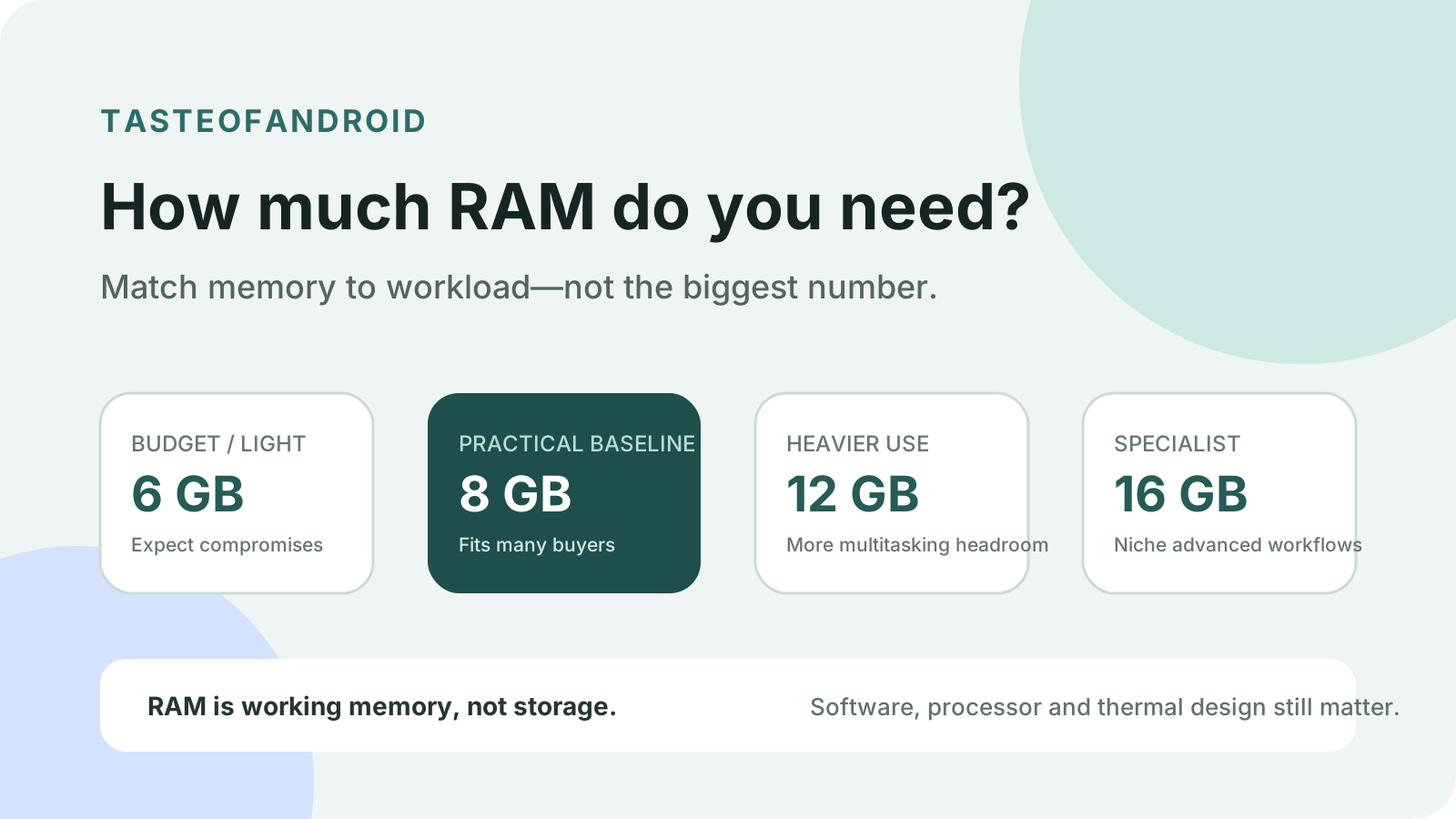
Read the physical RAM figure on the manufacturer spec for that Android model, market, and storage line. Keep virtual RAM off the total.
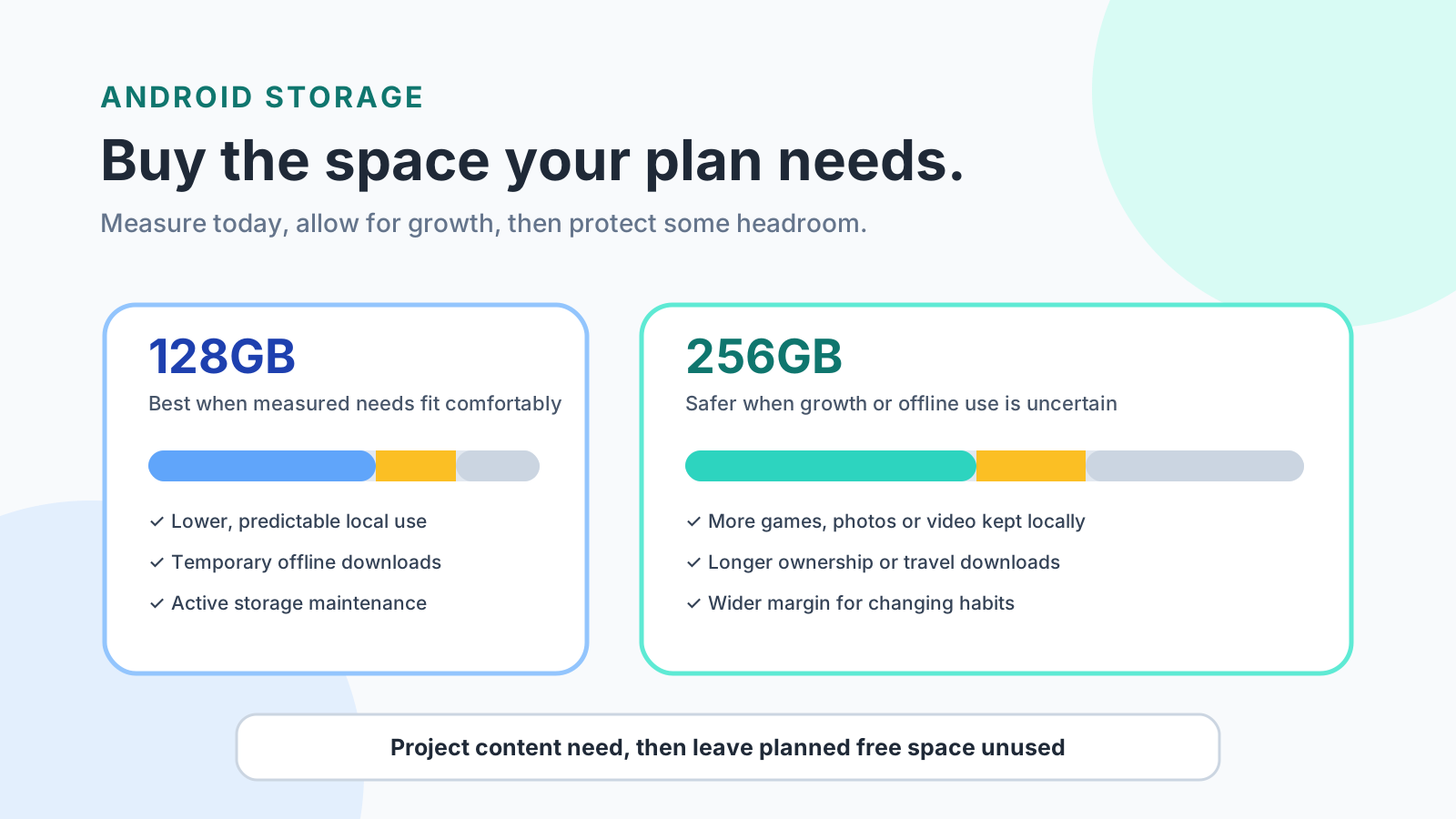
128GB fits when measured Android use, growth, offline peak, and a free-space reserve stay inside available storage. Choose 256GB when that margin fails.
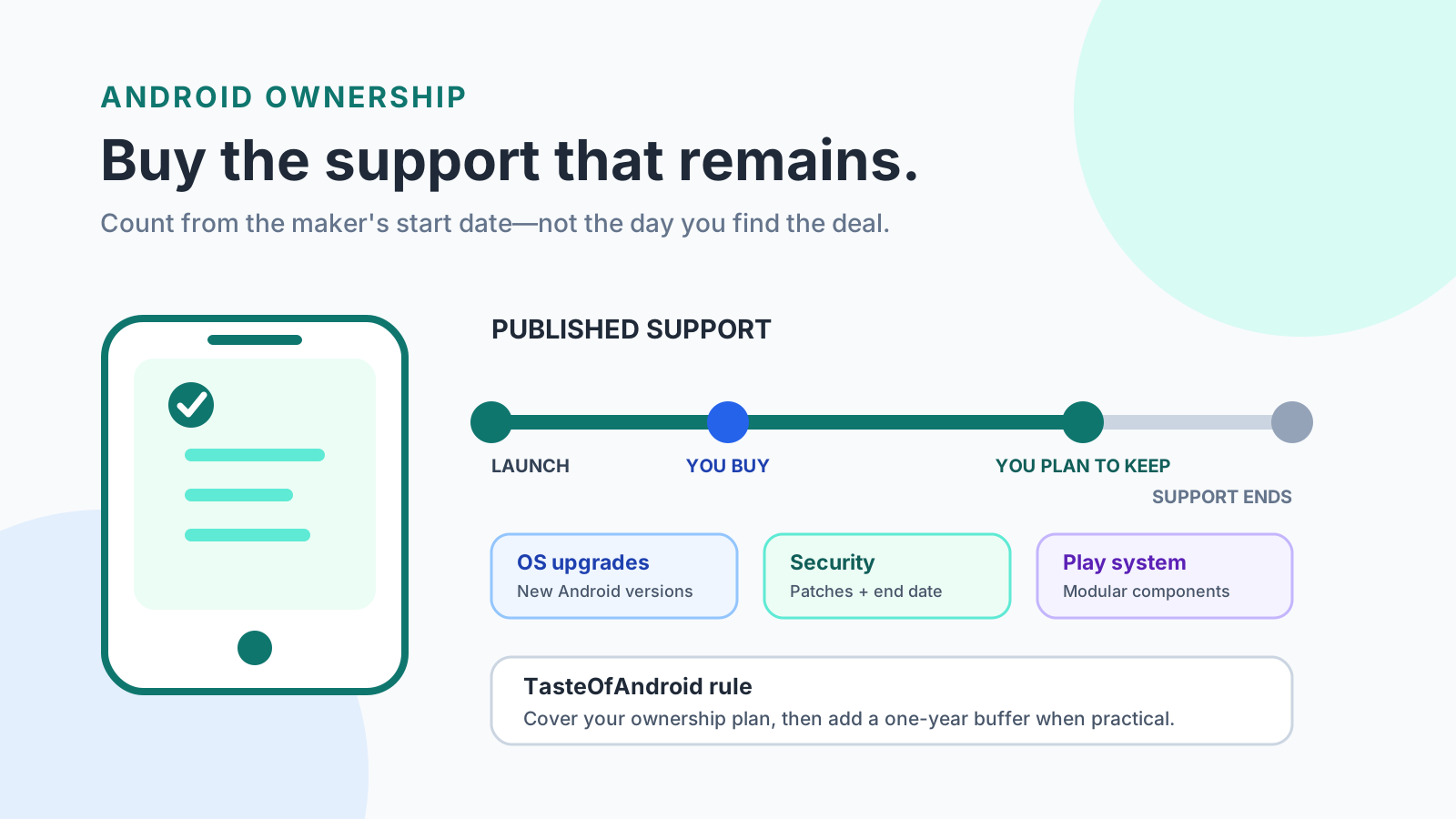
A security window that ends first costs you a phone you still wanted to keep. Match remaining Android update support to that exact model.
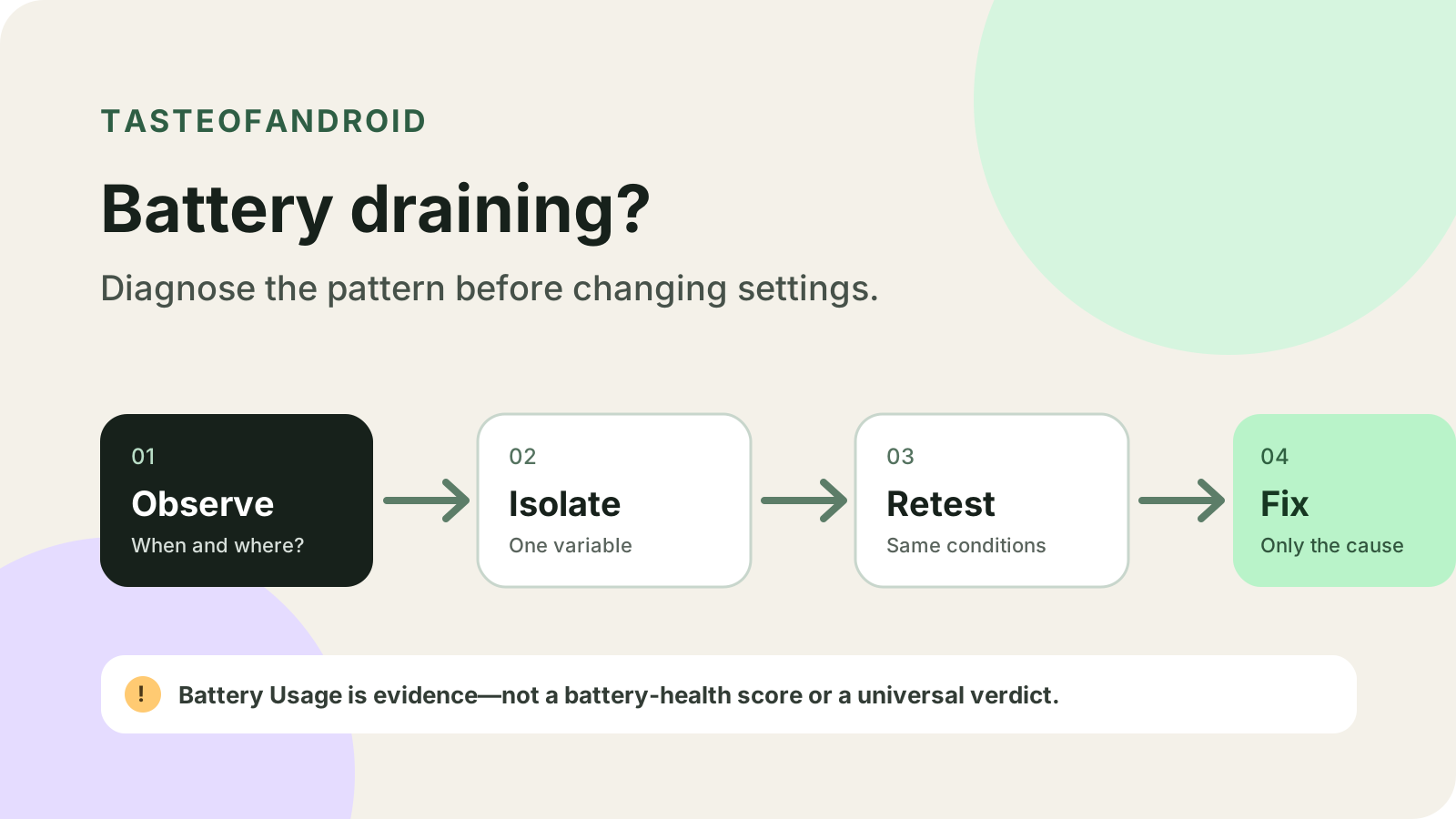
Changing several settings at once hides the cause of Android battery drain. Record one comparable window, then change a single variable.
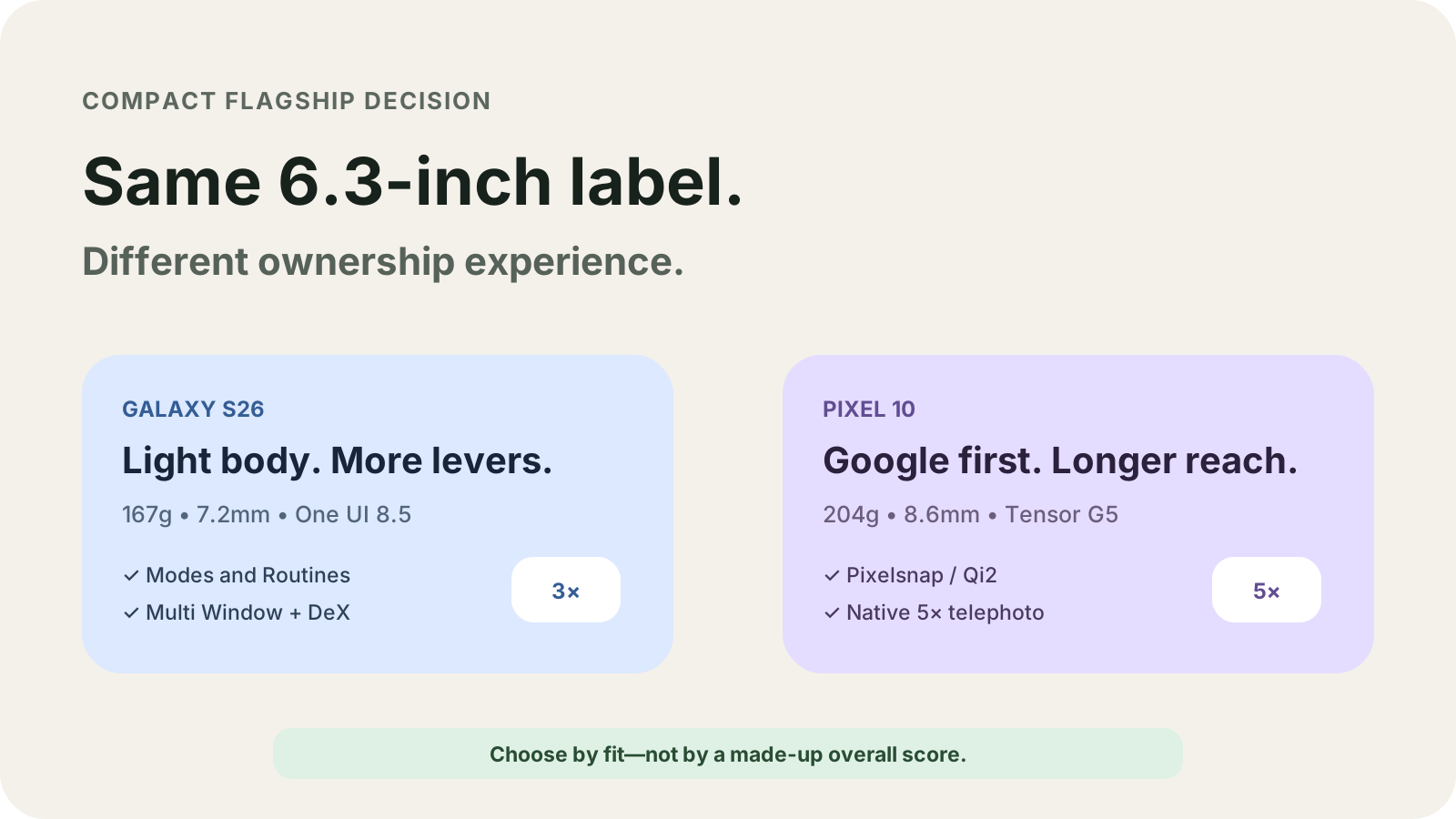
Compare Galaxy S26 and Pixel 10 from Samsung and Google pages: body, camera reach, battery, storage, chip names, and the regional checks that change the phone.
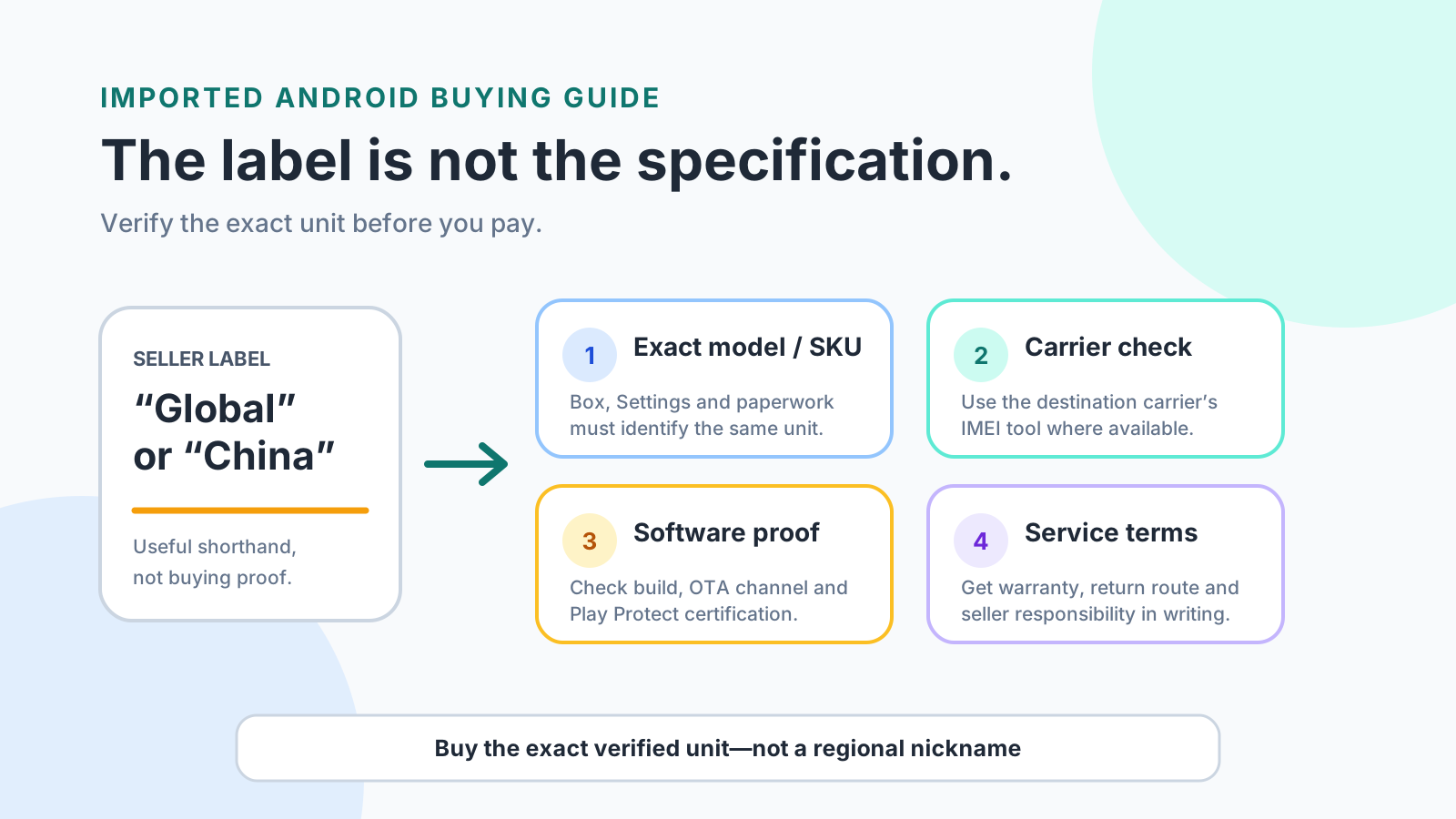
A Global Version or China Version label does not prove carrier acceptance, Play Protect certification, or warranty. Verify the exact phone before you pay.
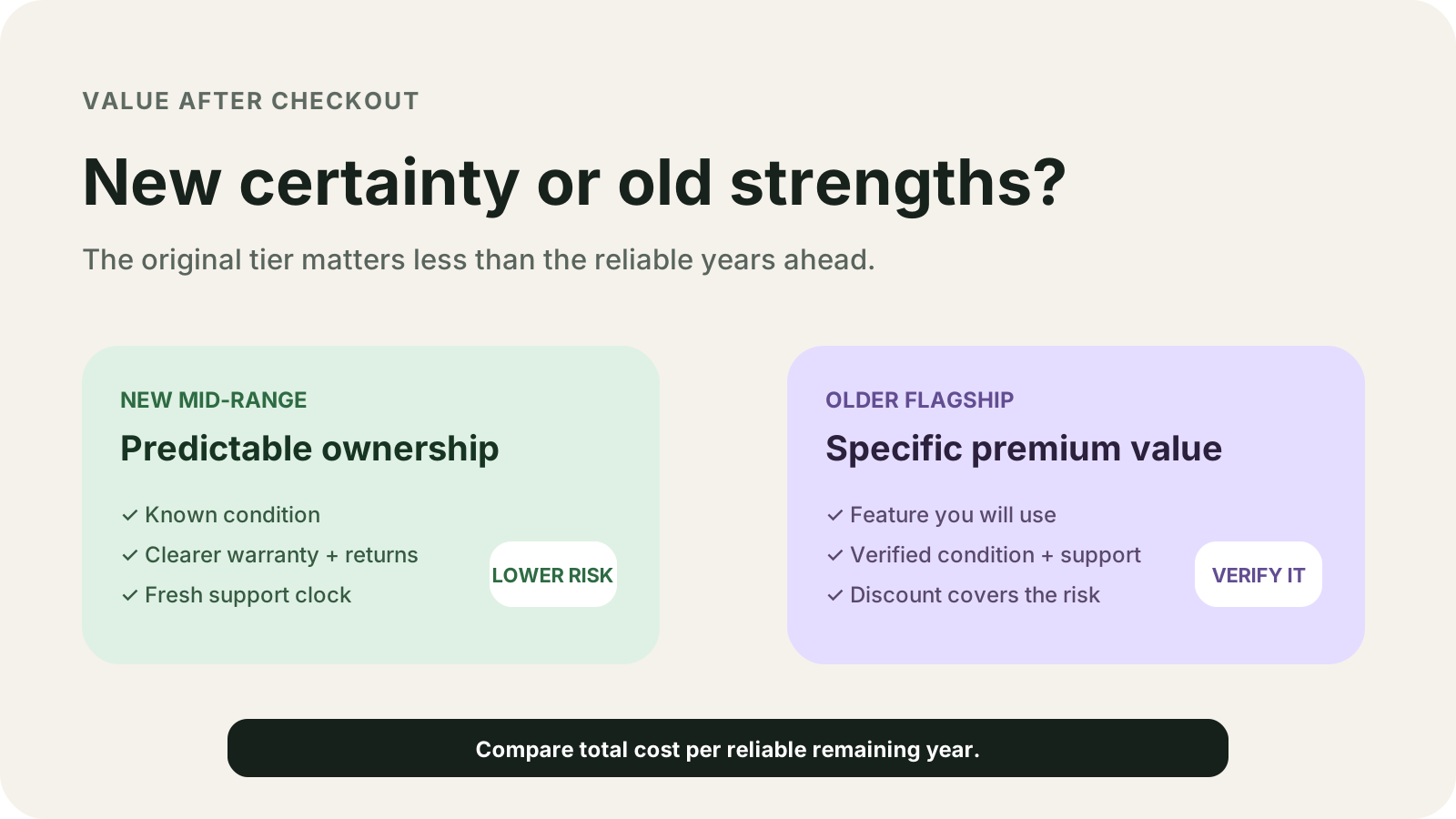
An older flagship fails when its update anniversary is already this month. Compare remaining support years, battery cycle limits, and blank price cells.
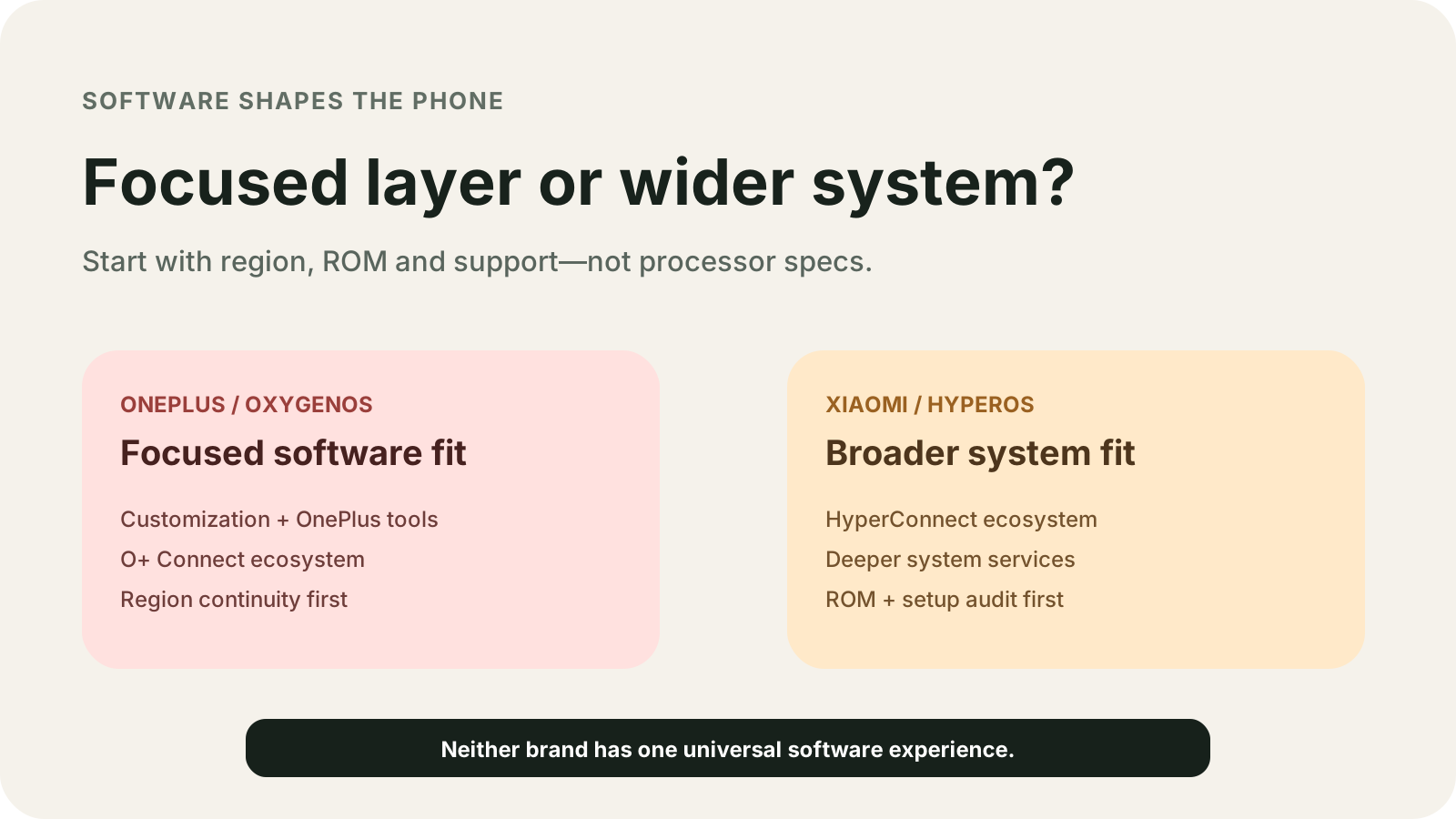
Compare OnePlus and Xiaomi software by the Europe and North America notice, the UK security end date, and the HyperOS 3 global model list.
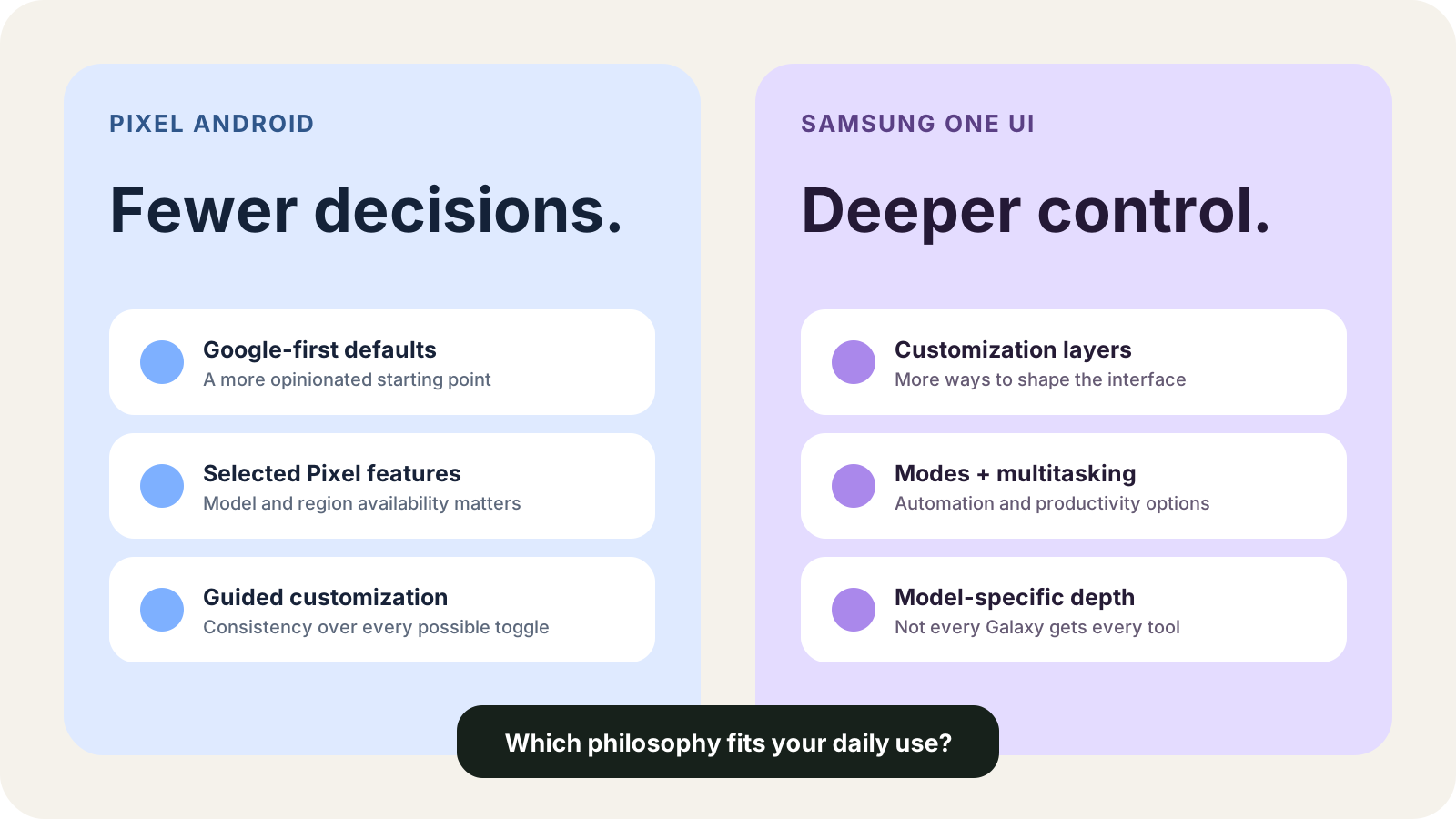
Compare Pixel Android and Samsung One UI by the printed update window, the fixed At a Glance row, Modes and Routines, DeX, and private-app locks.
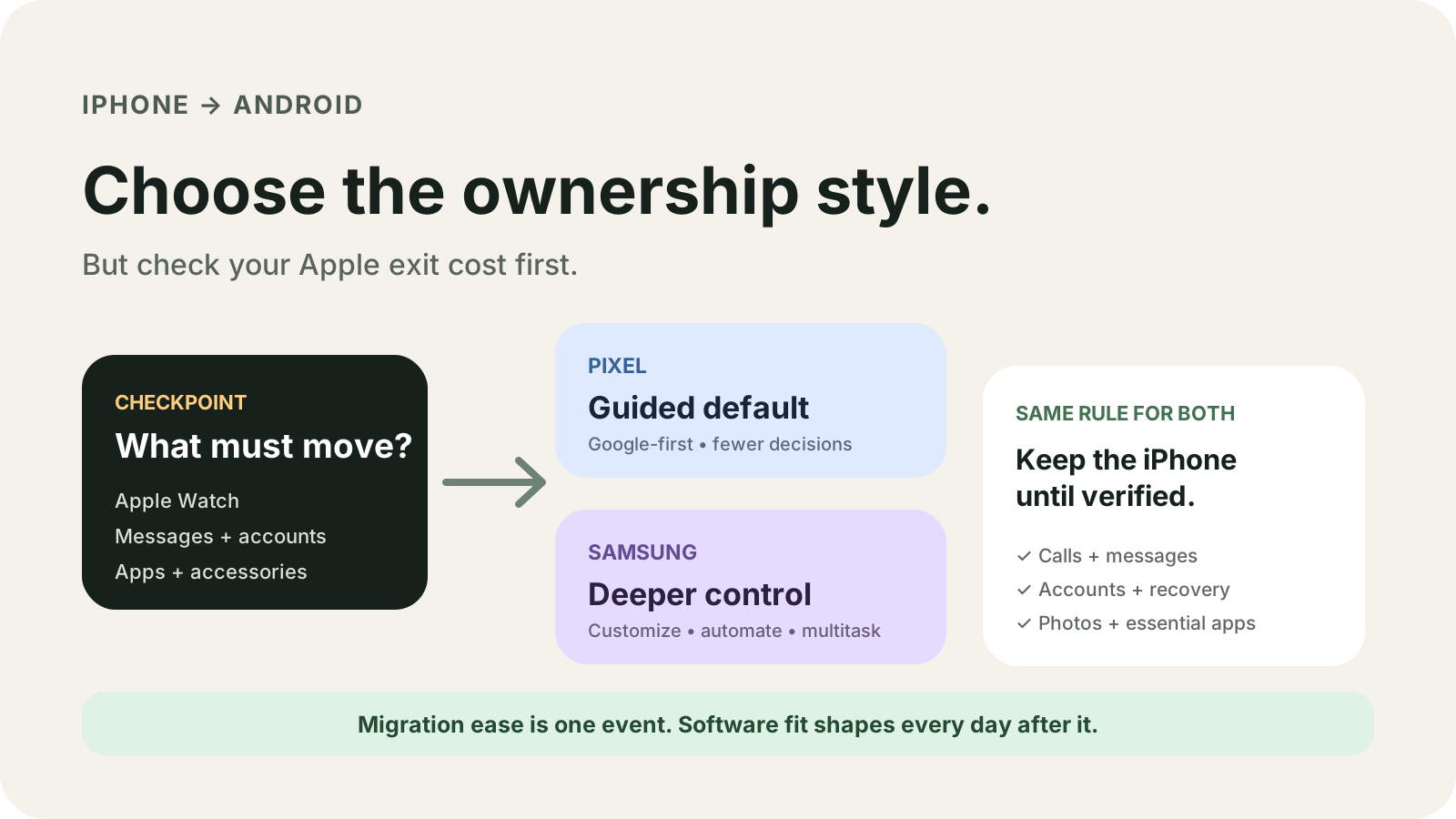
Choose Pixel or Samsung for an iPhone switcher by the copy column that includes messages, the Apple Watch iPhone requirement, and the Quick Share name list.
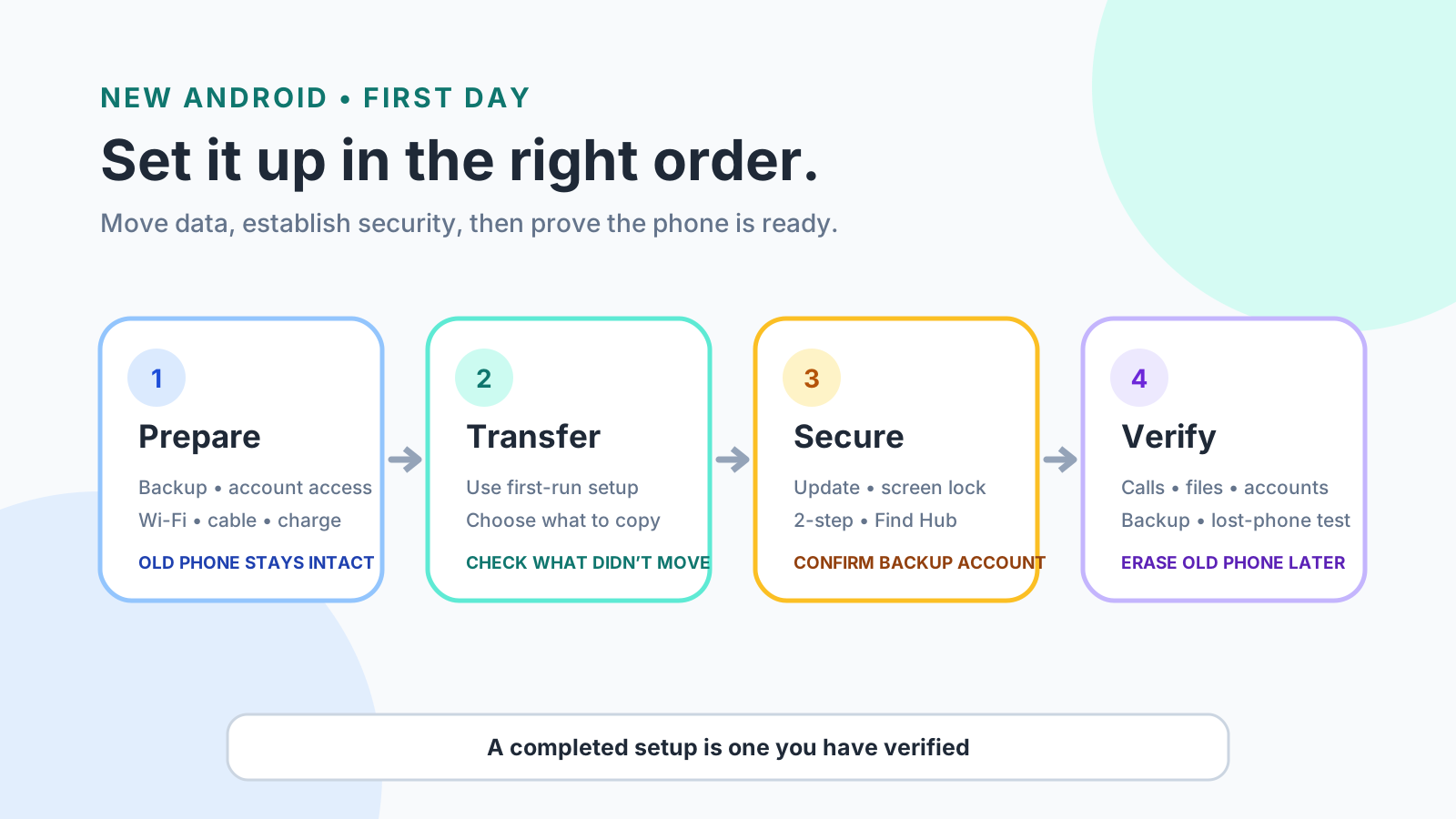
Copy during the setup path that names your phone, wait until backup shows On, and reset the old Android phone only after those checks.
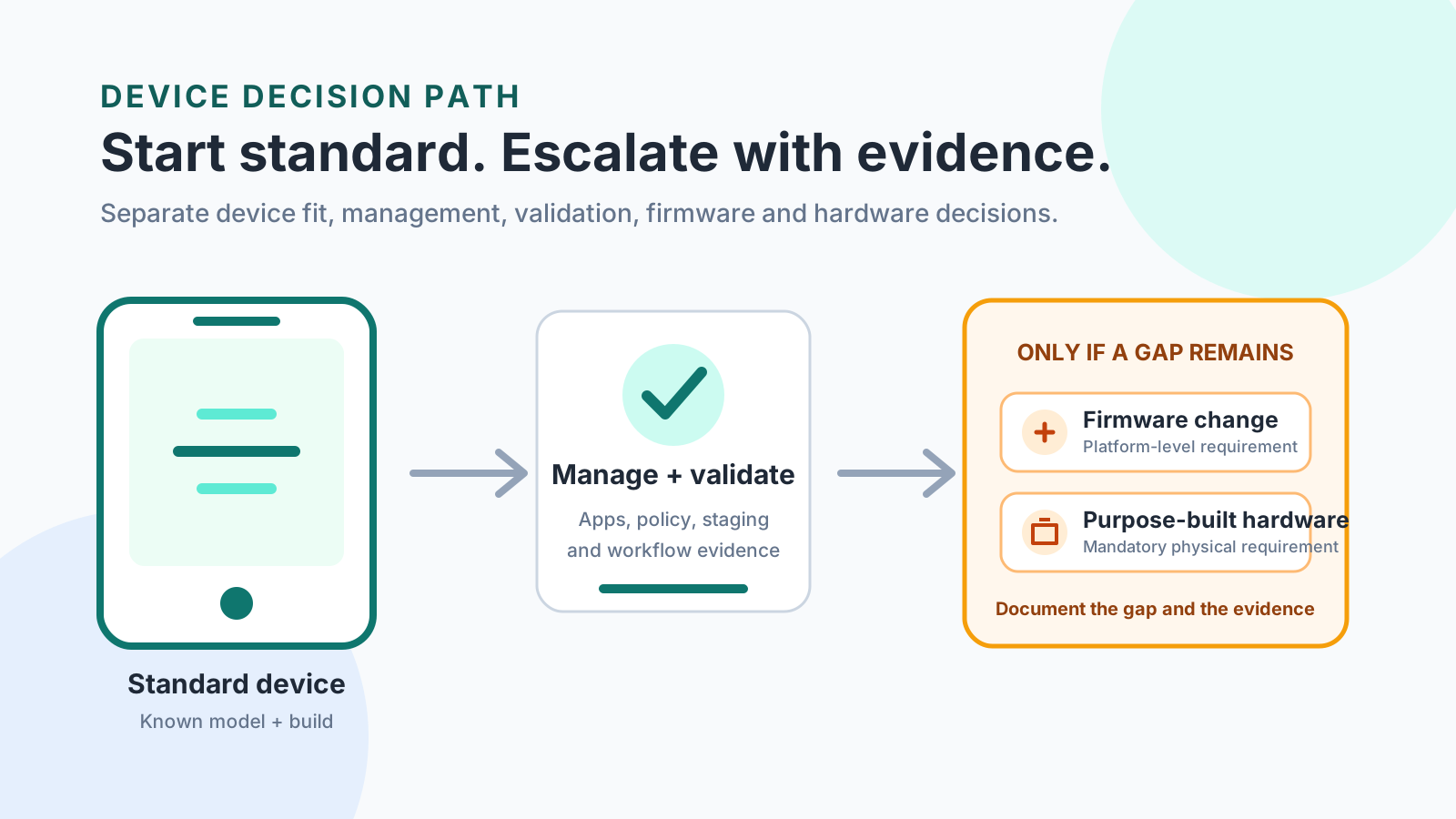
Use a standard Android device when the exact model, build, app, and policy pass. Keep firmware or purpose-built hardware for a gap those checks still show.
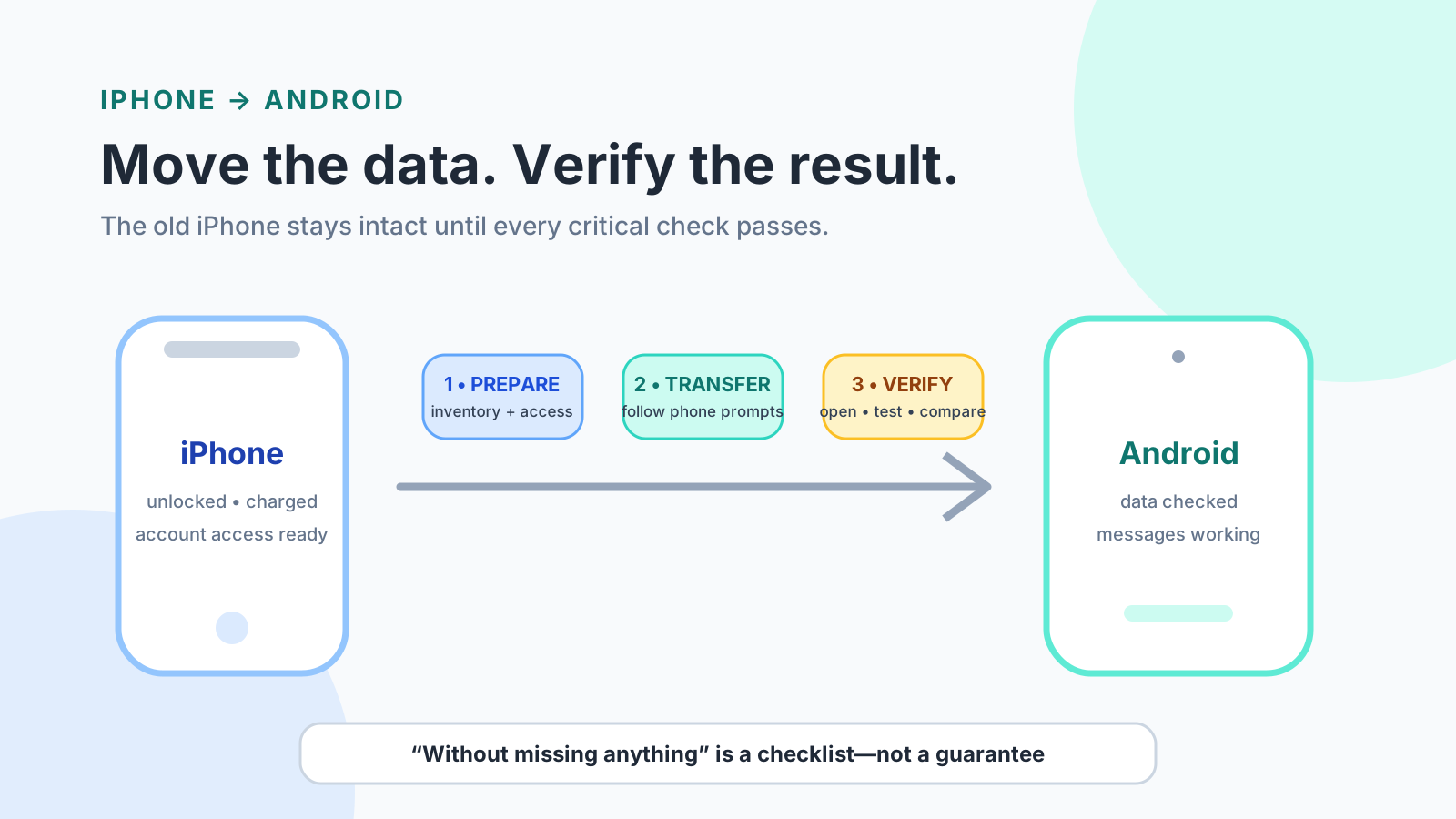
Use the Android Help copy column for your phone, then finish WhatsApp, iMessage, and the iCloud Photos request before you erase the iPhone.
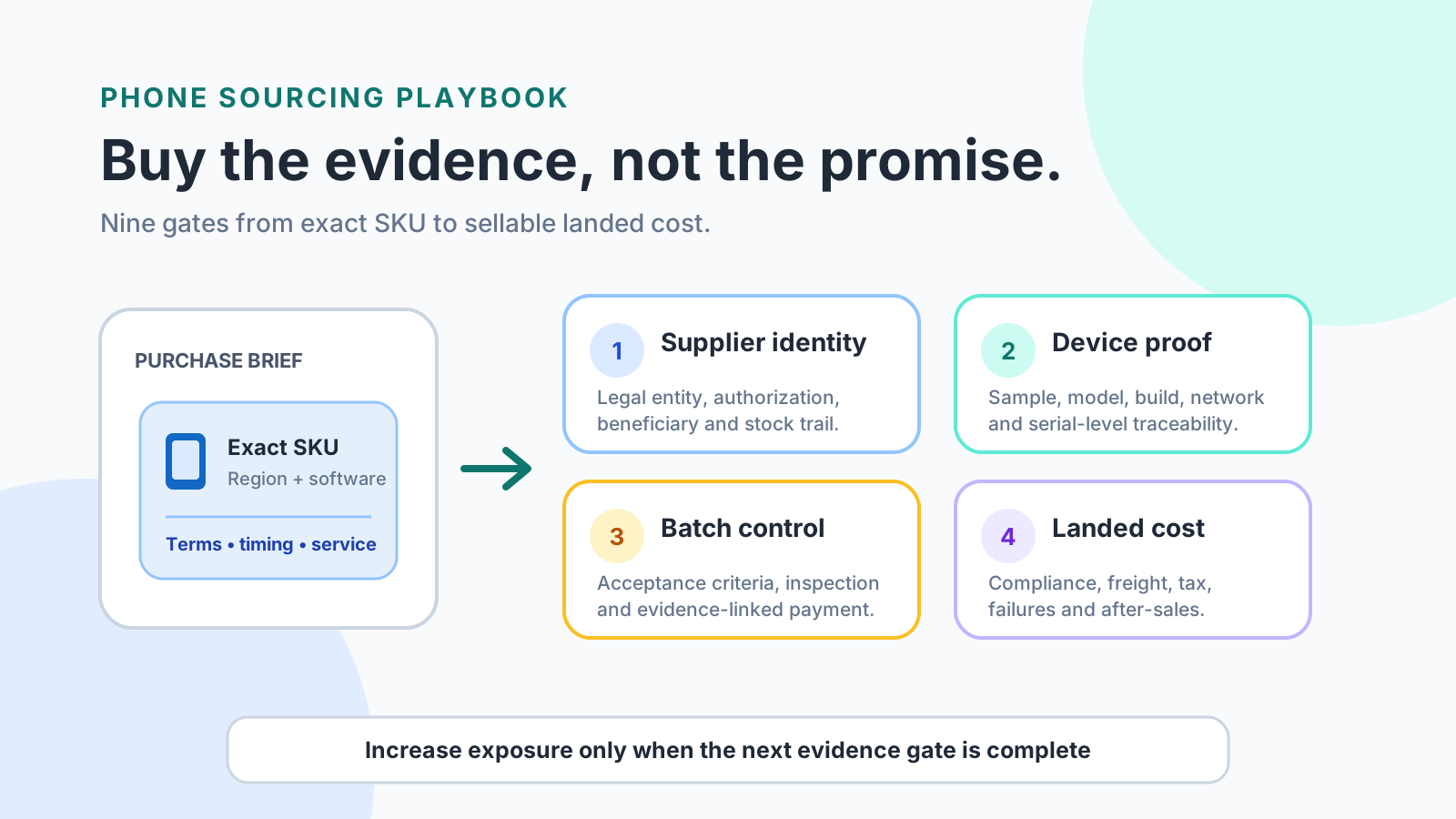
Match the Chinese legal name, the exact phone, the destination radio file, and the battery test summary before you pay for wholesale phones from China.