
Contents
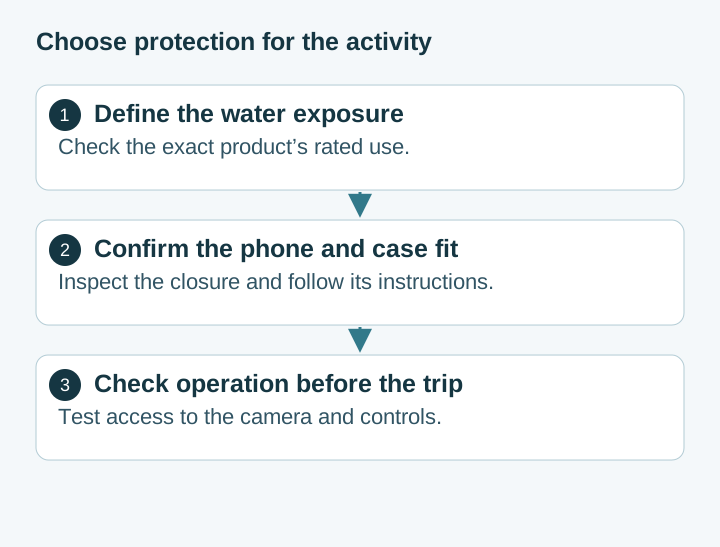
Choose a waterproof phone case by the exact phone model, the activity and the accessory manufacturer’s stated conditions of use. Read the instructions for both the phone and the enclosure. A case sold for rain protection, a floating pouch and a housing intended for underwater photography can have different limits and operating procedures.
Treat seal condition as part of that decision. Google explains that normal wear can reduce a Pixel phone’s water resistance, and Samsung gives the same warning for Galaxy devices. Neither statement creates a fixed expiration date for every phone. Damage, repairs and the manufacturer’s care instructions matter when deciding how to protect a specific device.
Scroll horizontally to read the labels in this diagram.
Check the exact model’s rating and use restrictions
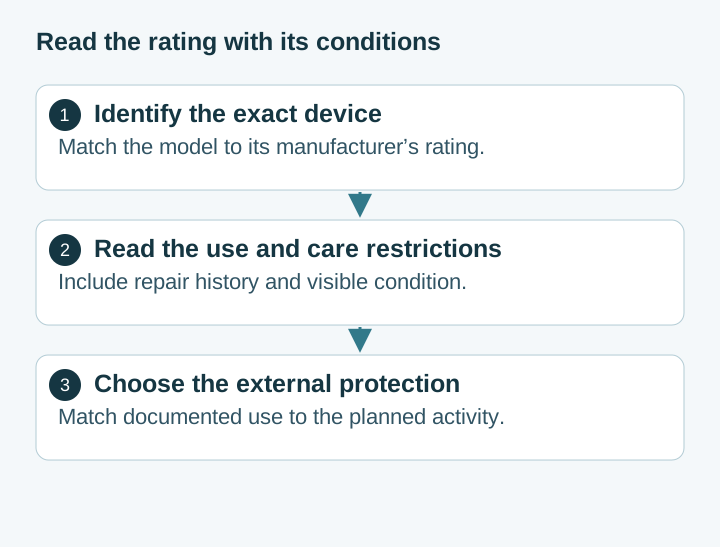
Find the phone’s model identifier and its manufacturer’s specification page. Record the stated rating, test conditions and use restrictions. Do the same for the accessory. Avoid transferring one product’s depth or duration to another simply because both use the same IP label.
Samsung’s guidance directs owners to the device’s own user guide or specifications and notes that a wet touchscreen may not respond. Google advises keeping Pixel phones out of swimming pools and other bodies of water. Plan around these instructions rather than treating a factory rating as a promise for a particular trip.
If the device has a cracked screen, damaged enclosure or recent repair, resolve its condition with the manufacturer or repair provider. Ask what the repair involved and which checks were performed. A functioning camera or charging port does not answer whether a seal was restored.
Scroll horizontally to view all table columns.
| Question | Where to find the answer | How it affects the purchase |
|---|---|---|
| What exposure is permitted? | Exact phone and case instructions | Defines whether the proposed use is supported |
| Does the case fit this variant? | Accessory compatibility list | Avoids mismatched buttons, camera openings or closures |
| What must be inspected? | Case care and pre-use instructions | Defines the check needed before each use |
| How are controls operated? | Product instructions and a fit trial | Determines whether the intended camera or navigation task is practical |
| What happens after damage? | Manufacturer service and replacement guidance | Determines when to stop using or replace the enclosure |
Understand what a barometer app measures
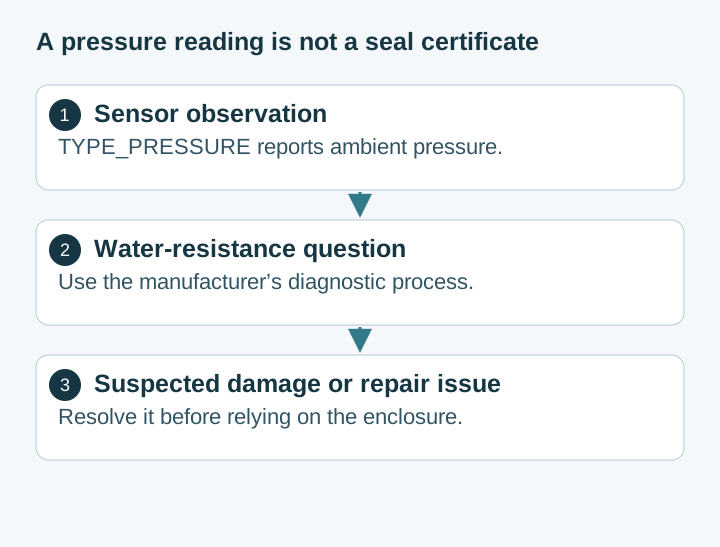
Android’s environment-sensor documentation defines TYPE_PRESSURE as an ambient-pressure measurement in hPa or mbar. Availability depends on the device hardware. This API describes a measurement; it does not provide a universal protocol for certifying a phone’s seals.
Do not assign an IP pass or fail from an improvised screen-press test. A pressure change can depend on the device’s construction, sensor arrangement and how it is handled. Interpreting that change as a water-resistance result requires a validated procedure for the exact model and conditions. Pressing harder or opening the SIM tray to change a reading does not supply that validation.
Use the manufacturer’s diagnostic or service route for a suspected problem. Google currently documents a liquid-damage test for US Pixel 10 devices. Follow the stated eligibility and instructions for that feature; detecting possible liquid damage is a different question from proving an enclosure safe for a future immersion.
Scroll horizontally to read the labels in this diagram.
Compare a fitted rigid case with a pouch
A fitted enclosure needs to match the exact phone dimensions and the accessory maker’s supported configuration. Check whether an existing screen protector or everyday case must be removed. Inspect the closure and any seals as instructed, and confirm that buttons and camera openings align without forcing the phone into place.
For a pouch, check the usable internal dimensions and closure instructions. A screen-diagonal claim alone may not account for a thick everyday case, a camera bump or a large phone’s overall shape. The phone should sit in the intended position without stretching the closure area or blocking its operation.
Evaluate flotation separately from water protection. If staying afloat matters, find the product’s stated conditions for the device and accessories you intend to carry. A lanyard, float or strap also needs a suitable attachment and a handling plan for the activity.
Scroll horizontally to view all table columns.
| Selection point | Fitted rigid enclosure | Pouch |
|---|---|---|
| Compatibility | Verify the exact handset and supported accessories | Verify usable dimensions and loading instructions |
| Closure | Inspect the fitted seal and latches | Inspect the opening and closure mechanism |
| Camera access | Check lens alignment and required camera settings | Check the phone position and material over the lens |
| Controls | Confirm button and touchscreen operation | Confirm how the intended controls can be reached |
| Maintenance | Follow seal, cleaning and replacement instructions | Follow closure, cleaning and material-inspection instructions |
Make this comparison from the actual product instructions. Avoid assuming that all products in either category share the same depth rating, drop performance or touchscreen behavior. Keep the instructions available after purchase, especially when different family members or rental users handle the same accessory.
Inspect and prepare the enclosure before the trip
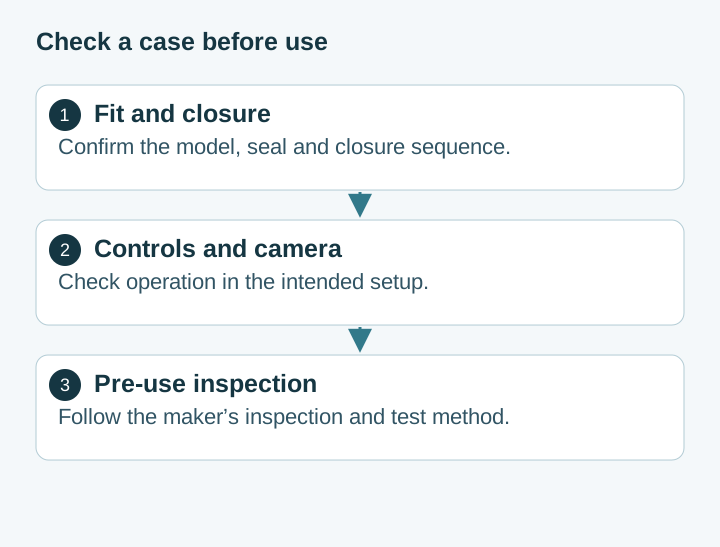
Follow the maker’s pre-use inspection and leak-test procedure, including whether it specifies an empty enclosure or a test insert. Perform only the method it permits. Keep the phone out of an improvised test intended to discover whether a damaged enclosure still works.
Inspect the closure area for the conditions identified in the instructions. Clean and maintain it with the specified products and method. Stop if a seal, latch or material is damaged, or if the closure does not seat normally. Resolve the issue before relying on the enclosure near water.
Check the intended camera and controls in the assembled setup. Configure the relevant options while the phone is dry and accessible. Wet operation can differ from ordinary touchscreen use, so establish a usable control method before the activity rather than changing settings after entering the water.
Scroll horizontally to read the labels in this diagram.
Respond to accidental wetting using the phone’s instructions
For Pixel phones, Google advises taking the device out of water, turning it off, drying it with a soft cloth and leaving it on a flat surface to finish drying at room temperature. Follow the exact model’s charging and service instructions. Avoid adding a heat, rinsing or charging procedure borrowed from another device.
If an enclosure leaks, keep it out of service until the cause is resolved. Record the closure state and visible damage, and contact its manufacturer as appropriate. Review the applicable warranty and consumer-rights terms for the phone and accessory separately; an accessory’s marketing label does not define the phone maker’s liquid-damage coverage.
Before the next outing, revisit the same practical checks: correct model, suitable documented use, sound closure and a workable operating method. The Android productivity and essential apps guide can help organize the phone for travel, while the enclosure decision should remain tied to its manufacturer’s instructions and the actual device condition.
Frequently Asked Questions
Can a barometer app confirm that my Android phone is waterproof?
Android’s pressure sensor reports ambient pressure. A reading from a phone app does not certify the enclosure’s water resistance. Use the device manufacturer’s model-specific diagnostics or repair process for a suspected seal problem.
Does IP68 mean every phone has the same depth and time limit?
Check the exact model’s published rating and test conditions. Apply the manufacturer’s care restrictions as well; a rating is not permission for every pool, ocean or water-sport use.
Should I choose a rigid case or a waterproof pouch?
Compare the exact product’s fit, rated use, closure instructions, camera and control access, and inspection requirements. Choose a product whose documented use matches the activity.
What should I do if my Pixel phone falls in water?
Google advises removing it from the water, turning it off, drying it with a soft cloth and leaving it on a flat surface to finish drying at room temperature. Follow the model’s charging and service instructions before using it again.
Sources & methodology3 sources
Evidence used for this article. Links open the original source in a new tab.
- Help prevent water damage to your Pixel phone — Google
- Environment sensors — Android Developers
- Galaxy phones and tablets dust and water resistance — Samsung
TasteOfAndroid is responsible for this page. The byline, method and commercial relationships are on the editorial policy and the author page.
Related Articles
Pocket Casts vs AntennaPod: Choose and Move Your Podcasts
Choose Pocket Casts or AntennaPod by playback controls and sync needs, then move subscriptions with OPML while protecting listening progress and settings.
Xodo vs Flexcil: PDF Annotation and Signing on Android
Study marks, a visual signature, and a signing request are different jobs. Follow the public steps, then reopen a copied PDF. These pages do not name a winner or a price.
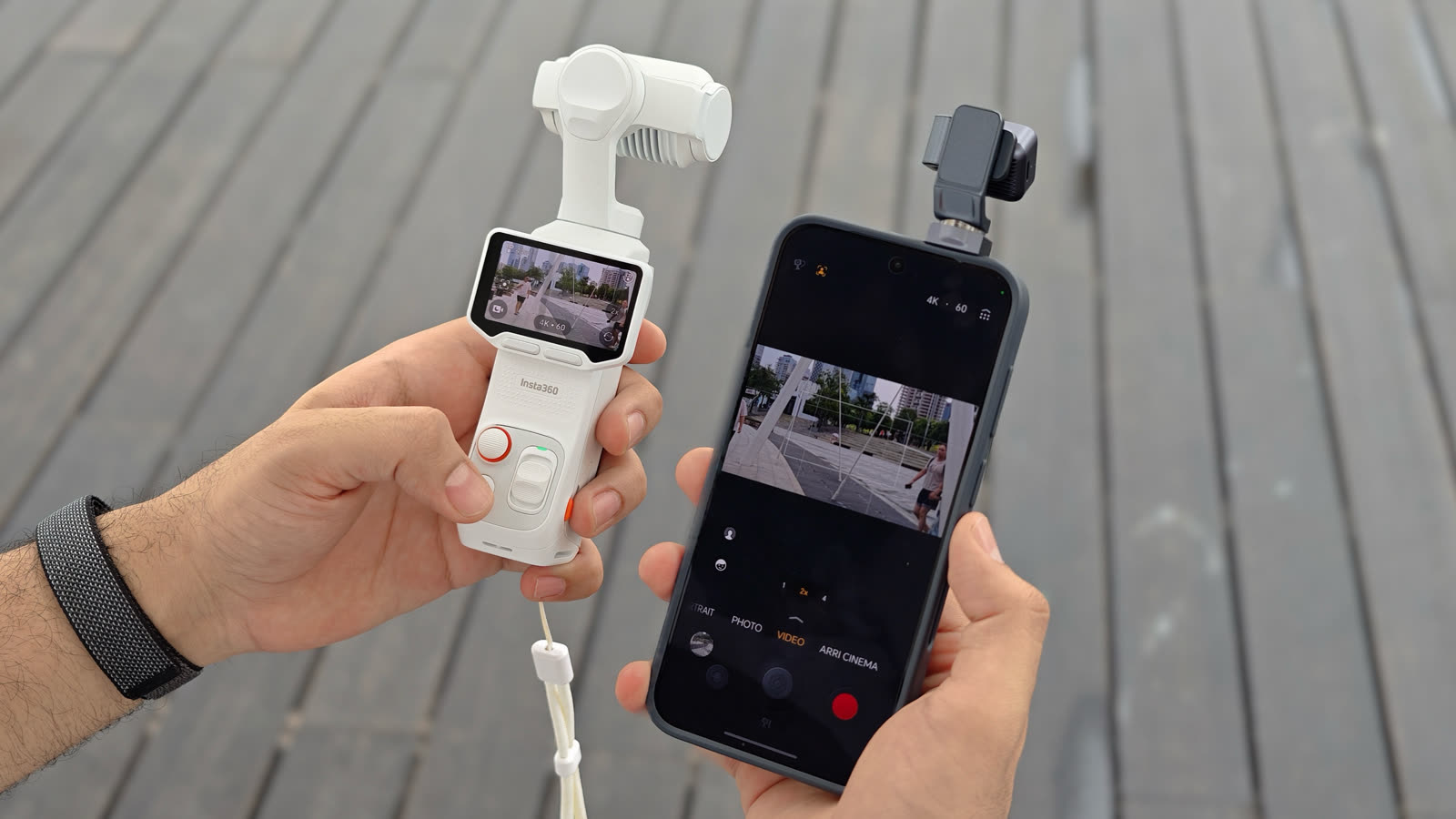
HONOR Robot Phone vs Pocket Gimbal Camera: Which Is Better for Creators?
HONOR's March 2026 note is a preview. Compare the Robot Phone with Insta360 Luna Ultra using the August China sales clock and Luna's hardware manual.