
Contents
USB-C PD PPS (Programmable Power Supply) lets an Android phone request an adjustable supply voltage; a fixed PDO offers a specific voltage. Both operate within USB Power Delivery, and the phone requests a supported option rather than automatically taking the charger’s maximum watts. For a phone whose preferred charging mode needs PPS, match the charger port’s PPS range and current, the cable, and the phone’s charging specification.
A high-wattage adapter can therefore miss the mode you want. Samsung’s fast-charging guidance explicitly calls for checking PPS as well as output power. A warm phone, however, needs a separate check: charging mode alone does not determine its temperature. Samsung guidance
What changes between fixed PDO and PPS?
The key difference is a fixed voltage choice versus a requested voltage within an advertised range. PDO means Power Data Object. PPS uses an Augmented Power Data Object, or APDO, so the precise comparison is fixed PDO versus PPS APDO.
Scroll horizontally to view all table columns.
| What to compare | Fixed PDO | PPS APDO |
|---|---|---|
| Charger offer | A specified voltage with a maximum current | A voltage range with a maximum current |
| Phone request | Selects a fixed-voltage option and requests current | Selects a PPS option and requests voltage and current within its limits |
| Changes during charging | Another PD contract can be negotiated | The phone can update the requested operating point as its needs change |
| Compatibility check | Phone and charger must share a usable fixed option | Both must support PPS, with suitable range, current and power |
| When the preferred mode is unavailable | A mutually supported alternative may be used | A PPS-dependent fast-charging mode may be unavailable |
PPS is optional within USB PD. Check for an explicit PPS output listing even when the box advertises a recent PD revision. If PPS is unavailable, the fallback depends on the phone and charger: a shared fixed-PDO contract, default USB-C power, or another mutually supported mode may apply. Use the phone’s model-specific guidance to judge the resulting speed. USB-IF specification
How does the phone negotiate the charging voltage?
The charger advertises what it can supply, and the phone requests what it can use. The successful USB PD exchange travels over the USB-C Configuration Channel (CC) connection:
- Connection: the source initially supplies 5V.
- Offer: the charger sends its power capabilities, including fixed PDOs and any supported PPS APDOs.
- Request: the phone selects an option. For PPS, it specifies the desired voltage and operating current within that option’s bounds.
- Acceptance: the charger accepts the request, transitions to the agreed supply and signals that it is ready.
- Continued control: the phone can request changes as charging progresses. PPS includes ongoing communication and periodic request keep-alives when needed.
USB-IF’s PPS request format uses 20mV voltage units and 50mA current units. The current field states the highest current the phone will draw under that contract. These describe charger-side requests; the phone manages battery charging internally. Fixed-PDO operation can also renegotiate, so “fixed” describes the offered voltage, not an unchangeable choice for the whole session. USB-IF specification, Table 6.21
Which numbers on the charger specification matter?
Read each voltage and current pair together, then apply the adapter’s overall power limit. The following manufacturer ratings show why a large wattage on the box cannot replace the output list.
Scroll horizontally to view all table columns.
| Adapter and market | Fixed output listing | PPS output listing |
|---|---|---|
| Google 45W USB-C charger, US | 5V/3A; 9V/3A; 15V/3A; 20V/2.25A | Up to 11V/3A; 16V/3A; 21V/2.25A, with a 45W overall maximum |
| Samsung EP-T2510 25W PD charger, Singapore support listing | Maximum fast-charge PDO: 9V/2.77A | 3.3–5.9V/3A; 3.3–11V/2.25A |
Sources: Google’s US 45W USB-C Power Charger technical specifications and Samsung Singapore’s wired-charger support table. Google specifications · Samsung specifications
For the Samsung example, 3A belongs to the 3.3–5.9V range. The listed range extending to 11V has a 2.25A limit. Keep those pairs intact when comparing an adapter with your phone’s requirements.
For Google’s charger, the power relationship is watts = volts × amps. At the listed 11V/3A PPS endpoint, the calculated adapter ceiling is 11 × 3 = 33W. The phone’s request determines actual input power. At higher voltage ranges, the adapter’s 45W overall limit still applies alongside the listed current limits.
Match the output window for the exact adapter model. Product listings can use different PPS ranges; a familiar range from another charger is no substitute for the one you are buying.
How do you match an Android phone, port and cable?
Start with the phone’s supported mode, then work outward through the charger port and cable. Use these four checks before replacing an adapter.
1. Identify the phone’s charging mode. Look up the exact model and regional support guidance. For Pixel phones, Google lists PPS adapters rated 30W or more and other PD adapters rated 15W or more among its charging options. Those are adapter-selection categories; the individual phone’s specification determines its charging capability. Samsung’s Super fast charging guidance calls for PPS support. Pixel charging help · Samsung guidance
2. Match the selected port’s PPS range and current. Find the PPS line for the port you will actually use. Compare both voltage coverage and current at that range with the phone’s requirements. A matching total wattage is only one part of that check.
3. Check cable current capability. If the required USB PD operating point exceeds 3A, the source must identify a cable capable of carrying that current before offering it. Choose the cable by its charging specification and the phone manufacturer’s guidance. Cable thickness and USB data-transfer speed do not establish its charging-current rating. USB-IF specification, §8.6.1.2.2
Samsung’s cable guidance also depends on the model. Its Singapore EP-T4511 listing describes SFC 2.0 with a 5A cable and adds a supplied-3A-cable provision for Galaxy S25 and later models. First confirm that the particular phone supports SFC 2.0: Samsung’s UK grid lists S25+ and S25 Ultra as supporting it, while base S25 and S25 Edge do not. A cable cannot add a charging mode to a phone. Samsung charger guidance · Galaxy compatibility grid
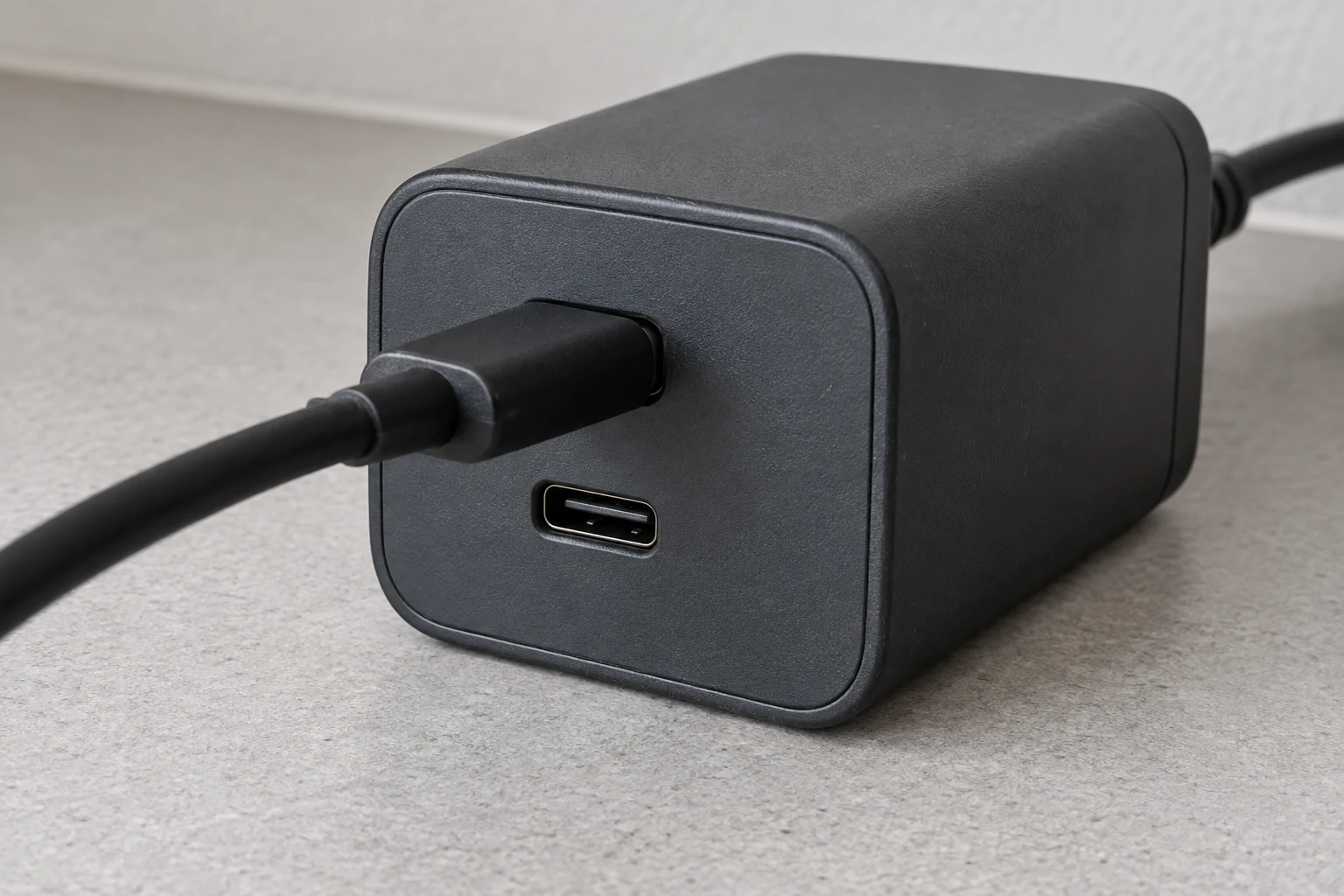
4. Check simultaneous-use conditions. Samsung’s Singapore EP-T5020 listing gives USB-C1 a PPS range of 5–20V/2.5A and USB-C2 a range of 5–11V/2.25A. It reserves SFC 2.0 for Port 1 with single-port use. That restriction belongs to this model; consult the shared-output table for other adapters. If charging changes when you connect a second device, repeat with the phone alone on the specified port. Samsung specifications
Will PPS make an Android phone run cooler?
PPS can reduce power-conversion losses in a compatible charging design, but phone temperature depends on more than the protocol. Texas Instruments explains the efficiency benefit of adjusting the supply in its PPS application note and TIDA-01582 charging reference design. That mechanism gives PPS a useful role; the actual thermal result also depends on the phone’s circuitry, charging power, battery state and workload. TI engineering sources
A slower fallback may also deliver less power. Warmth alone therefore cannot identify a missing PPS profile. Samsung says device use and rising ambient temperature can reduce charging speed, while battery level changes the maximum charging current. Google also describes automatic charging adjustments to manage Pixel device and battery temperatures. Samsung guidance · Pixel charging help
Scroll horizontally to view all table columns.
| What you observe | Next check |
|---|---|
| Expected fast-charging mode never appears | Check the phone’s fast-charging setting, PPS compatibility, cable and connector seating |
| Charging changes when another device is plugged in | Check the port-sharing specification; repeat with the phone alone |
| Charging slows during active use or as the phone warms | Pause the activity, let the phone cool if needed, then repeat while idle |
| Charging slows as battery level rises | Account for the phone’s charging curve; compare at a similar starting battery level |
| Charging remains unreliable with compatible equipment | Follow the manufacturer’s diagnostics; Samsung offers charging checks in Samsung Members |
Change one variable at a time so each comparison tells you something useful. If the problem is rapid battery loss after unplugging, use the separate Android battery-drain diagnostic guide.
Before buying, keep four details together: your phone model and charging mode, the selected port’s PPS output list, the cable’s current rating, and the other devices you intend to connect. Choose an adapter that matches that combination. For other phone and accessory decisions, browse our Android buying guides.
Technical sources
- USB Implementers Forum: USB Power Delivery Specification, Revision 3.2, Version 1.2 (19 August 2026), §1.5.1, §3.2.5.2, Tables 6.13 and 6.21, §7.31.16.1 and §8.6.1.2.2; USB Power Delivery developer presentation, slides 8–9, for the CC communication overview.
- Google Store, US: 45W USB-C Power Charger, technical specifications, Output and Max Power.
- Samsung Support, Singapore: Enable Fast charging and Fast wireless charging on Samsung Galaxy, wired-charger specifications, cable requirements, physical connection checks and performance tips.
- Google Pixel Phone Help: Charge your Pixel phone, cable and power-adapter guidance and slower-charging explanation.
- Samsung Support, UK: Which type of charger does my Galaxy device accept?, Galaxy S charging-compatibility table.
- Texas Instruments: Achieving the Programmable Power Supply Function in USB PD Applications (SSZT602), page 1; TIDA-01582 USB Power Delivery PPS charging reference design, design overview.
TasteOfAndroid is responsible for this page. The byline, method and commercial relationships are on the editorial policy and the author page.
Related Articles
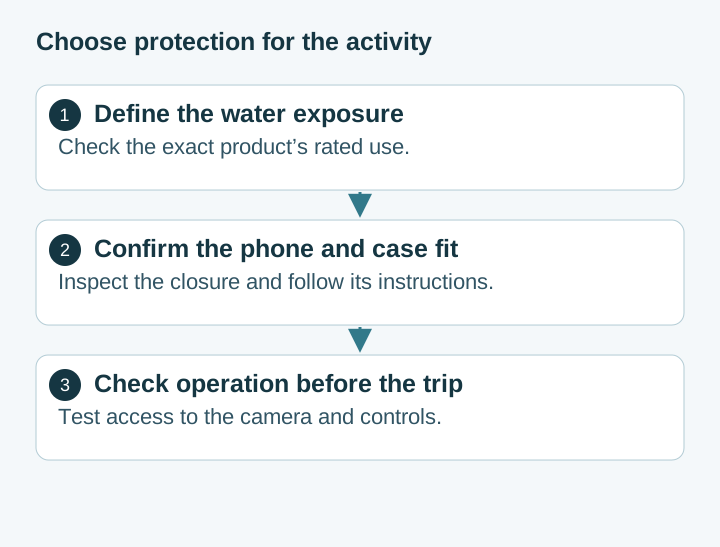
Choosing Waterproof Phone Cases: IP Ratings, Seal Condition and Fit
Compare rigid waterproof phone cases and pouches by model fit, manufacturer-rated use, closure condition and controls. Understand the limits of phone barometer checks.
Pocket Casts vs AntennaPod: Choose and Move Your Podcasts
Choose Pocket Casts or AntennaPod by playback controls and sync needs, then move subscriptions with OPML while protecting listening progress and settings.
Xodo vs Flexcil: PDF Annotation and Signing on Android
Study marks, a visual signature, and a signing request are different jobs. Follow the public steps, then reopen a copied PDF. These pages do not name a winner or a price.